1
Contents
Chapter 1
Overview
Using This Guide........................................................................ 1-2
Welcome to the SA5300 Printer................................................ 1-2
System Requirements................................................................ 1-3
Getting Help . ............................................................................. 1-4
Ordering Supplies ...................................................................... 1-4
The World Wide Web.............................................................1-4
Phone Support.......................................................................1-4
Before You Contact SECAP™ USA.......................................1-4
Important Safety Notes............................................................... 1-5
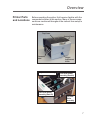
Printer Parts and Locations........................................................ 1-7
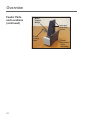
Feeder Parts and Locations........................................................ 1-9
Chapter 2
Setting Up Your SA5300 Printer
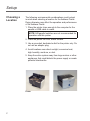
Choosing a Location................................................................... 2-2
Assembling the Printer................................................................ 2-3
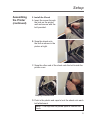
1. Install the Feeder.............................................................2-4
2. Install the Shock...............................................................2-5
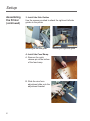
3. Install the Side Guides.....................................................2-6
4. Install the Feed Ramp......................................................2-6
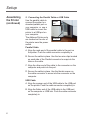
5. Connecting the Parallel Cable or USB Cable..................2-8
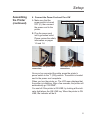
6. Connect the Power Cord and Turn ON............................2-9
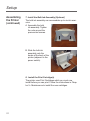
7. Install the Bulk Ink Assembly (Optional)...........................2-10
8. Install the Print Cartridge(s).............................................2-10
Chapter 3
Printer Basics
Setting Up A Job......................................................................... 3-2
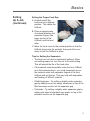
1. Set the Separator Gap.....................................................3-2
2. Center the Feed Ramp under the Material......................3-4