1
Chapter 5
Advanced Setup
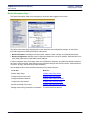
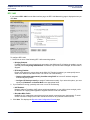
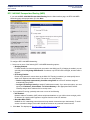
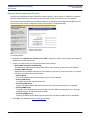
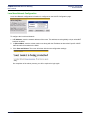
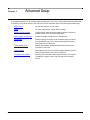
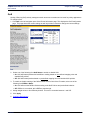
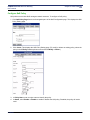
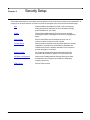
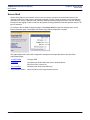
This chapter describes how to configure advanced features on the router. Advanced features are listed below.
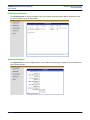
To configure one of these features, click the link on the left navigation pane of the Router Information page.
SIEMENS
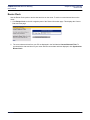
Router Clock
Set the date and time on your router.
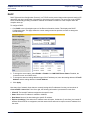
DHCP
View and configure the current DHCP settings.
Quality of Service (QoS)
Configure QoS, which actively manages network resources to
sustain service levels for priority applications.
Routing Table Configuration
Configure multiple routing tables for a single host.
Dial Backup
Enable a backup connection to the Internet through an internal
V.90 (model 5835 only) or an external asynchronous modem
connected to the Console port.
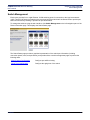
Switch Management
Manage the Ethernet 10/100 switching ports located on the
rear panel of the router.
Traffic Shaping
Define the level of service for each configured interface (Virtual
Path (VP) and Virtual Circuit (VC) connections).
Command Line Interface
Enter any CLI command over the web interface. For complete
command line syntax, refer to the Command Line Interface
Guide.
39