1
Basic Configuration
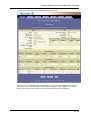
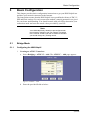
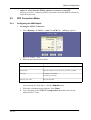
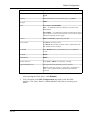
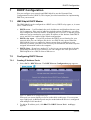
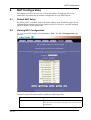
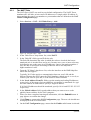
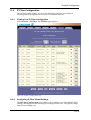
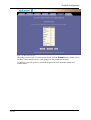
Figure 22: IPoA Configuration
3
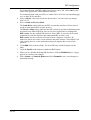
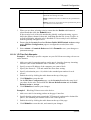
Mapping IPoA interface to a lower interface:
In the IPoA Configuration table, locate the new IPoA entry and click Map in the
"Action" column.
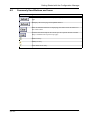
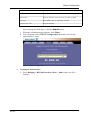
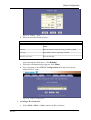
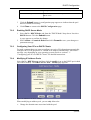
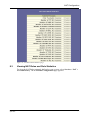
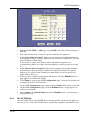
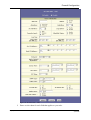
Figure 23: IPoA Interface - Map
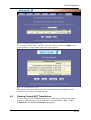
On IPoA Interface - Map page, from the drop-down list select the ATM VC
you created in step 1 to be mapped to this IPoA interface and then click Add.
Click Close to exit the confirmation page.
5.3.2
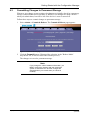
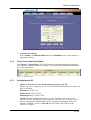
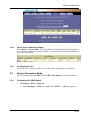
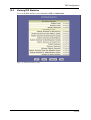
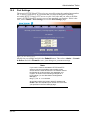
Check Your Connection Status
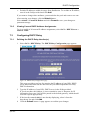
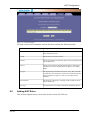
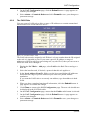
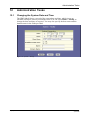
Select Home > System Mode. The WAN Interface item should display the interface
you created to communicate with your ISP. A green ball in the Status field indicates a
successful connection.
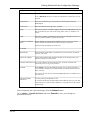
Figure 24: WAN IF Status
5.3.3
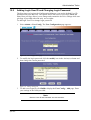
Configuring the PC
Keep your PC's setting as a DHCP client. No further configuration is required.
EN/LZT 108 6492 R1
April 2003
31 (98)