1
NAT Configuration
8.5.6
8
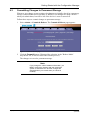
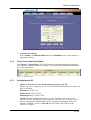
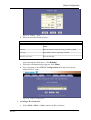
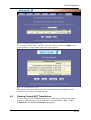
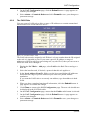
On the NAT Configuration page, click the Submit button. A page appears to
confirm your changes.
9
Select Admin > Commit & Reboot and click Commit to save your changes to
permanent storage.
The PASS Rule
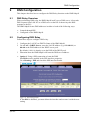
You can create a PASS rule to allow a range of IP addresses to remain untranslated
when another rule would otherwise do so.
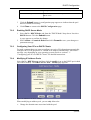
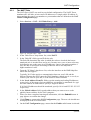
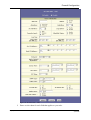
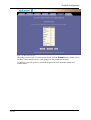
Figure 41: NAT Rule PASS - Add
The PASS rule must be assigned a rule ID that is a lower number than the ID assigned
to the rule it is intended to pass. If you want a specific IP address or range of
addresses to NOT be subject to an existing rule, say rule ID #5, then you can create a
PASS rule with ID #1 through 4.
1
2
3
4
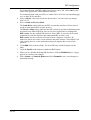
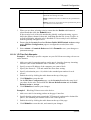
When you have completed entering all information, click the Submit button. A
page appears to confirm the change.
5
Click Close to return to the NAT Configuration page. The new rule should now
be displayed in the NAT Rule table.
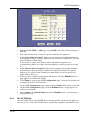
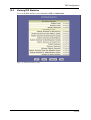
On the NAT Configuration page, ensure that the Enable radio button is selected.
6
50 (98)
Display the NAT Rule - Add page, select PASS as the Rule Flavor and type a
Rule ID.
Select the interface and, if desired, a protocol that this rule applies to.
In the Local Address From/To fields, type the lowest and highest IP addresses
that define the range of private addresses you want to be passed without
translation.
If you want the PASS rule to act on only one address, type that address in both
fields.
7
On the NAT Configuration page, click the Submit button. A page appears to
confirm your changes.
8
Select Admin > Commit & Reboot and click Commit to save your changes to
permanent storage.
EN/LZT 108 6492 R1
April 2003