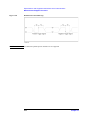
1
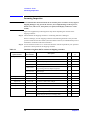
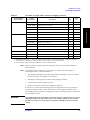
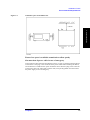
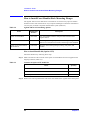
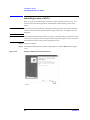
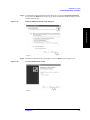
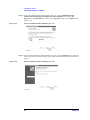
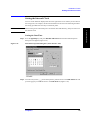
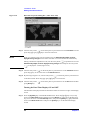
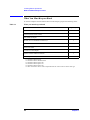
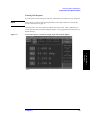
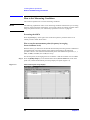
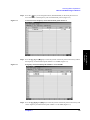
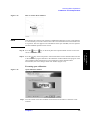
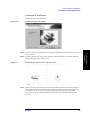
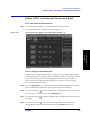
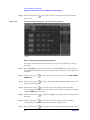
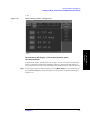
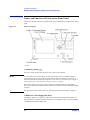
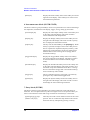
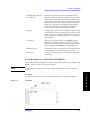
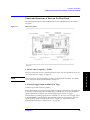
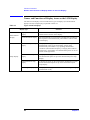
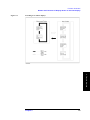
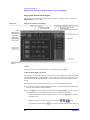
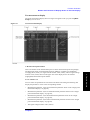
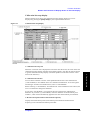
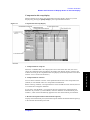
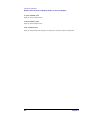
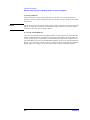
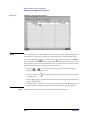
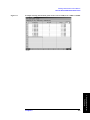
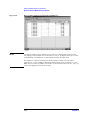
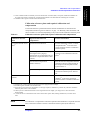
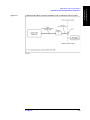
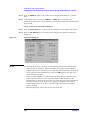
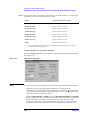
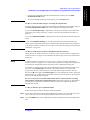
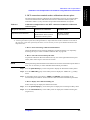
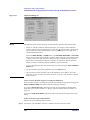
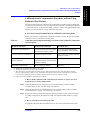
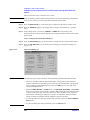
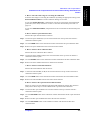
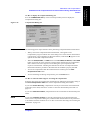
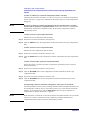
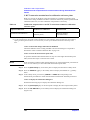
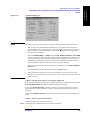
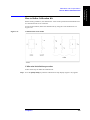
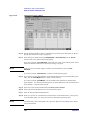
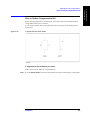
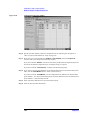
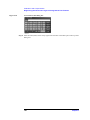
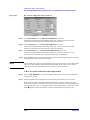
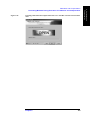
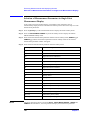
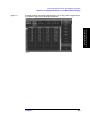
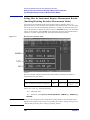
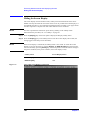
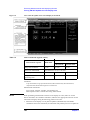
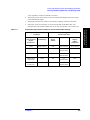
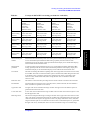
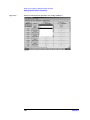
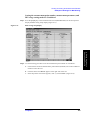
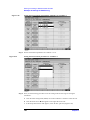
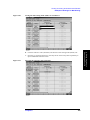
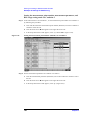
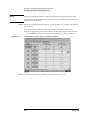
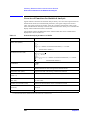
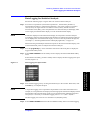
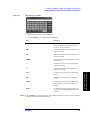
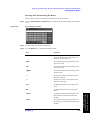
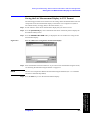
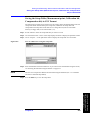
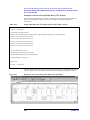
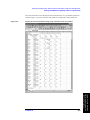
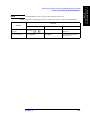
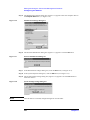
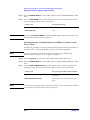
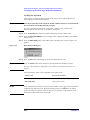
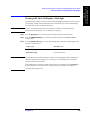
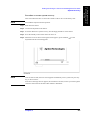
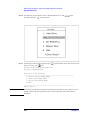
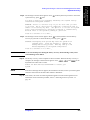
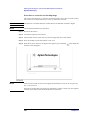
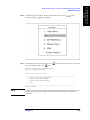
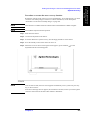
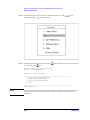
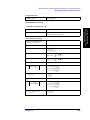
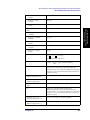
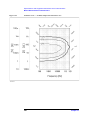
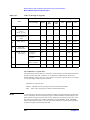
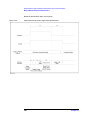
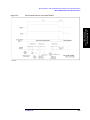
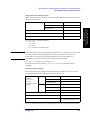
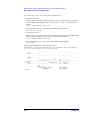
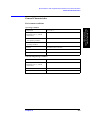
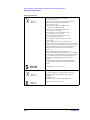
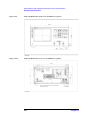
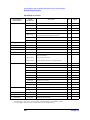
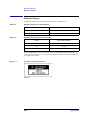
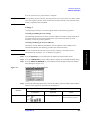
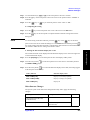
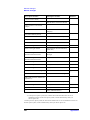
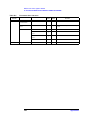
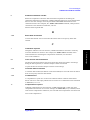
Calibration and Compensation Calibration and Compensation Procedures Using Dedicated Test Fixture Step 2. In the softkey menu, press the key corresponding to the model number (or a fixture name registered by the user) of the test fixture to be used. Softkey Test Fixture (Electrical Length) 16191A [14.0 mm] Agilent 16191A (14.0 mm) 16192A [11.0 mm] Agilent 16192A (11.0 mm) 16193A [14.0 mm] Agilent 16193A (14.0 mm) 16194A [50.0 mm] Agilent 16194A (50.0 mm) 16196A [26.2 mm] Agilent 16196A (26.2 mm) 16196B [26.9 mm] Agilent 16196B (26.9 mm) 16196C [27.1 mm] Agilent 16196C (27.1 mm) USER*1 (Fixture registered by user) *1. Or fixture name registered according to “Registering the Electrical Length of Unregistered Test Fixtures” on page 149. 14. How to display the compensation dialog box Press the COMPEN DIALOG key in the softkey menu to display the Compensation Dialog box (Figure 6-12). Figure 6-12 Compensation Dialog box NOTE The following points require attention when performing compensation data measurement. • When you start the compensation data measurement, a bar appears in the Compensation progress indicator box of the dialog box to show how the measurement is progressing. Upon completion of data measurement, a blue mark () appears to the right of the executed compensation button. • When the OPEN, SHORT, or LOAD button or the DC OPEN, DC SHORT, or DC LOAD button is pressed, the value of the DC resistance (Rdc) measured as the compensation data is shown in the lower-right area of the dialog box upon completion of the respective measurement. Checking this indication at the time of compensation data measurement makes it possible to determine that the standard is properly attached. 128 Chapter 6