1
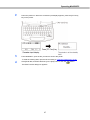
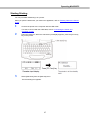
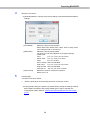
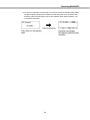
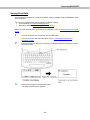
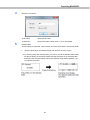
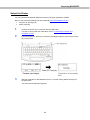
Operating Mk2500PC To use the printer after sending data, you need to cancel the standby state (ready for data reception) of the printer. Make sure that the printer is not receiving data, and then press the [Cancel] key. When the character input display appears, you can operate the printer. 39