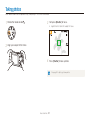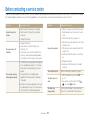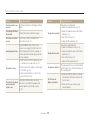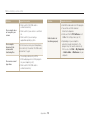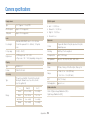
1
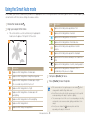
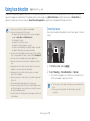
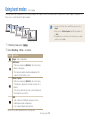
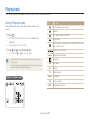
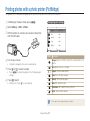
Using Map View mode
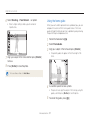
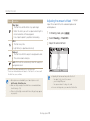
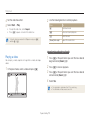
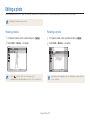
4 Select a desired picture by pressing [F/t].
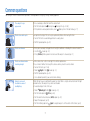
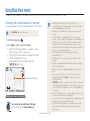
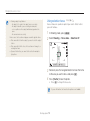
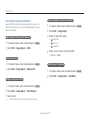
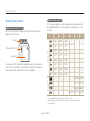
Checking shooting location on the map
• The location the picture was taken in is displayed.
• A desired location can be viewed by pressing
[D/M/F/t] to move.
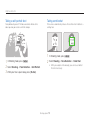
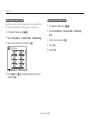
The location where a picture with location information was taken
and its name can be checked on the map.
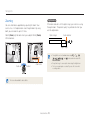
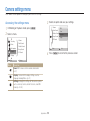
Select GPS ON on the top of the camera.
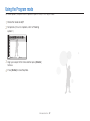
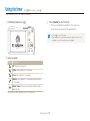
1 Set the mode dial to
2 Press [o].
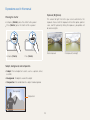
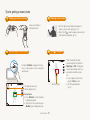
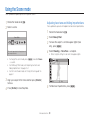
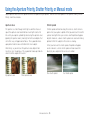
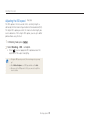
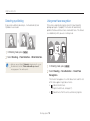
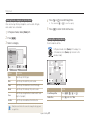
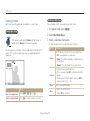
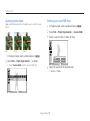
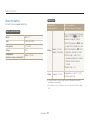
Viewing the map by enlarging
.
Turn the dial to the right [Zoom T/Enlarge]
(Turn the dial to the left [Zoom W/Reduce])
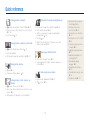
• The current location is displayed on the map.
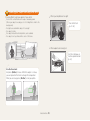
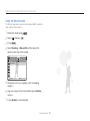
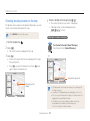
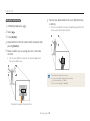
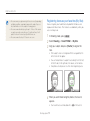
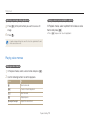
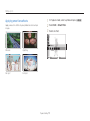
3 Press [f].
• Pictures with location information are displayed in the order
they were taken in.
London
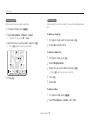
• Press [f] to cancel the thumbnail view. Press [f] once
again to return to thumbnail view.
London
Enlargement adjustmen
Single View
Shooting location
display
Single View
Change Location
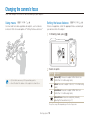
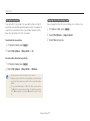
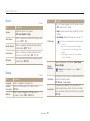
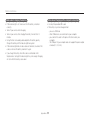
• GPS data must be stored in an external memory to normally operate
the Map View mode.
• A maximum of 3 thumbnail images can be displayed on the screen.
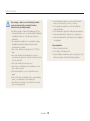
• If there is no location information on a picture, the location name is not
displayed on the map in Map View mode.
• GPS data for each country containing reception areas can be
downloaded from the websites at www.samsung.com.
Refer to the websites for further information.
Change Location
Extended functions
39