1
Playing back
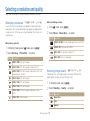
Starting a slide show
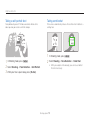
Viewing photos
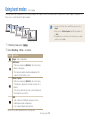
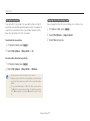
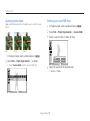
You can apply effects and audio to your slide show.
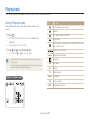
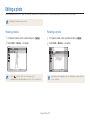
Zoom in on part of a photo or view photos in a slide show.
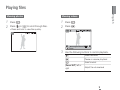
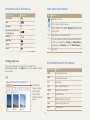
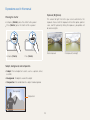
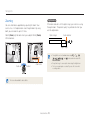
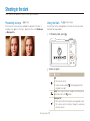
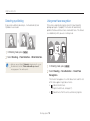
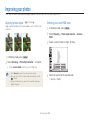
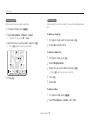
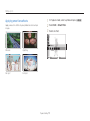
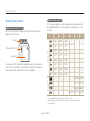
Enlarging a photo
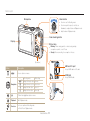
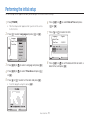
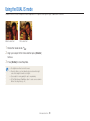
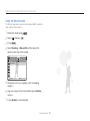
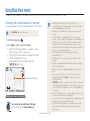
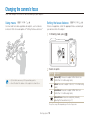
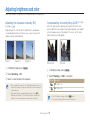
In Playback mode, rotate [Zoom] right to enlarge a
photo (rotate [Zoom] left to reduce a photo).
1
2
3
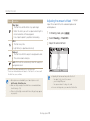
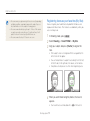
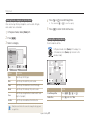
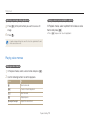
The enlarged area and zoom ratio are indicated on the top of the
screen. The maximum zoom ratio may vary depending on the
resolution.
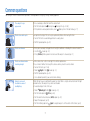
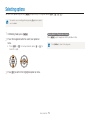
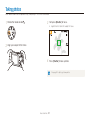
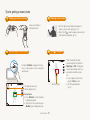
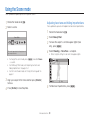
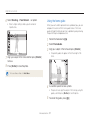
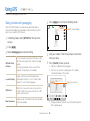
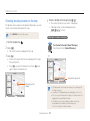
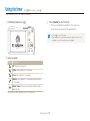
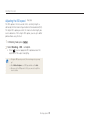
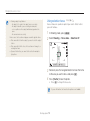
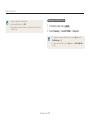
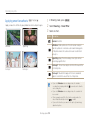
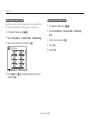
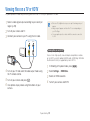
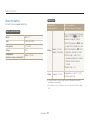
In Playback mode, press [m].
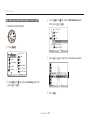
Select Multi Slide Show.
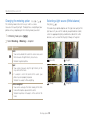
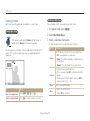
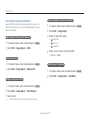
Select a slide show effect option.
t Skip to step 5 to start a slide show with no effects.
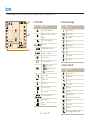
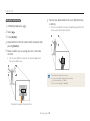
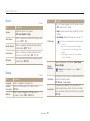
Option
Description
Images
Set the photos you want to view as a slide show.
t All: View all photos in a slide show.
t Date: View photos captured on a specific date in
a slide show.
t Select: View selected photos in a slide show.
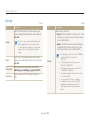
Interval
t Set the interval between photos.
t This is available when Off is selected in the effect
option.
t When used with effect options other than Off, the
interval will be set to 1 sec.
Music
Select a background audio.
Effect
t Select a transition effect.
t Select Off for no effects.
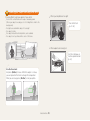
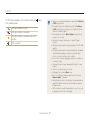
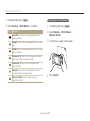
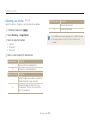
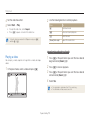
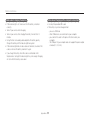
Trim
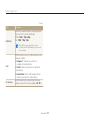
To
Do this
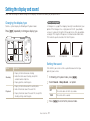
Move the enlarged area
Press [D], [M], [F], or [t].
Trim the enlarged photo
Press [o] (it will be saved as a new file).
Playback/Editing
72