1
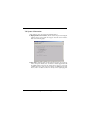
3.8 System Information
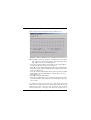
In this submenu, user can perform the following features:
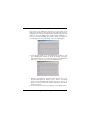
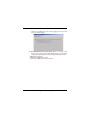
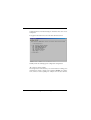
F: Display F/W version number, which is a view-only screen showing the
software version of the switch. Press [F] to show this version number.
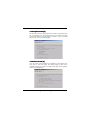
Refer to the following figure:
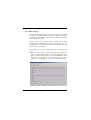
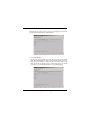
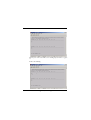
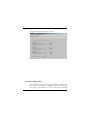
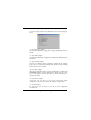
A: Age Time, which will show current aging time and user can set new age
time to this system. Besides, user can choose to disable aging function and
the MAC address learned in the switch will no longer be aged. The
available aging time is in the range from 0x0001 to 0xFFFF (unit: second).
That is, from 1 to 65535 seconds. For example, when original aging time
2*
+
,-