1
3.5. VLAN settings
Virtual Local Area Networking (VLAN) enables efficient traffic separation,
provides better bandwidth utilization, and alleviates scaling issues by logically
segmenting the physical LAN so that packets are switched only between
ports within the same VLAN.
This also creates secure segments within the existing network. Nodes
residing in different VLAN segments cannot communicate with each other
although they are connected to the same switch. The resulting security is yet
another reason to use VLANs.
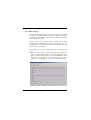
In this feature, user can set up VLAN related features following the steps
below:
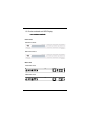
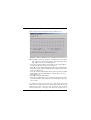
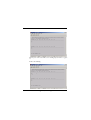
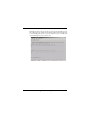
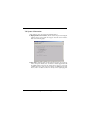
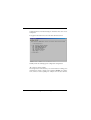
1. Each time when user enters this submenu, system will ask whether to
reset the original VLAN configuration. The setting after switch power
ON is either the last time setting read from the EEPROM or factory
default, that is, all 24 RJ-45 ports and 2 optional FX ports (F1,F2) all
belong to one same VLAN group, i.e. V01. Refer to the following figure.
2*
+
,-