1
Semihosting
5.1
Semihosting
Semihosting is a mechanism for ARM targets to communicate input/output requests
from application code to a host computer running a debugger. This mechanism could be
used, for example, to allow functions in the C library, such as printf() and scanf(), to
use the screen and keyboard of the host rather than having a screen and keyboard on the
target system.
This is useful because development hardware often does not have all the input and
output facilities of the final system. Semihosting allows the host computer to provide
these facilities.
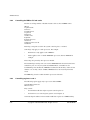
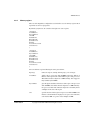
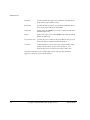
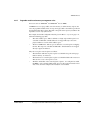
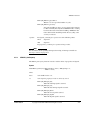
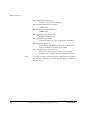
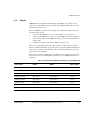
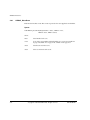
Semihosting is implemented by a set of defined software interrupt (SWI) operations.
The application invokes the appropriate SWI and the debug agent then handles the SWI
exception. The debug agent provides the required communication with the host.
In many cases, the semihosting SWI will be invoked by code within library functions.
The application can also invoke the semihosting SWI directly. Refer to the C library
descriptions in the ADS Compilers and Libraries Guide for more information on
support for semihosting in the ARM C library.
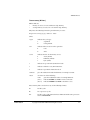
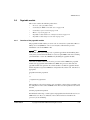
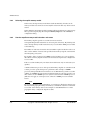
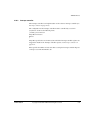
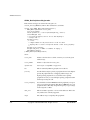
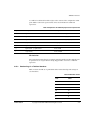
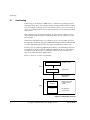
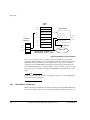
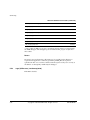
Figure 5-1 shows an overview of semihosting.
printf("hello\n");
Application Code
Target
SWI
Library Code
SWI handled by
debug agent
Communciation with
debugger running
on host
host
computer
Host
Text displayed
on host screen
hello
Figure 5-1 Semihosting overview
5-2
Copyright © 1999-2001 ARM Limited. All rights reserved.
ARM DUI0058D