1
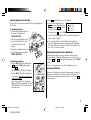
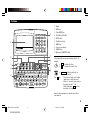
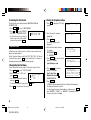
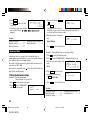
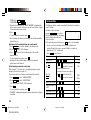
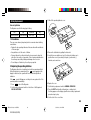
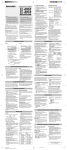
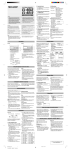
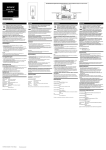
Part Names
q Display
w MENU key
e Power ON/OFF key
6
r PC-LINK key (PC SYNC)
t RESET switch
y Clear/Clear entry key
1
u MODE keys
i Cursor movement keys
o SEARCH keys
!0 Option port (COMPUTER LINK)
2
7
8
3
9
4
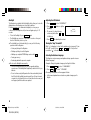
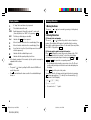
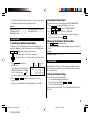
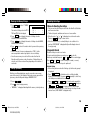
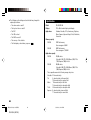
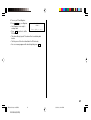
In this manual the keys are represented by symbols, for
example:
→
→
: Indicates the & key.
: Indicates the numeric 7 key.
&
7
;
→ SCHEDULE
5
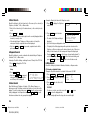
The
key
: Mode key with only one
function.
: These keys are used to select capital
(uppercase) or small (lowercase)
letters or to access the symbols above
the number key and “ : ” and “ ; ”.
While holding down
, press the
desired key to be entered.
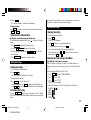
Numbers, letters and space for operation are shown in
italic and bold.
3
ZQ-520/540 p01~09,E.E65
ZQ-520/540 (E0370E)
3
5/31/2000, 12:07 PM