1
HCD-E1 Installation & Operation Manual
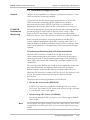
Chapter 4 - Control from the Supervisory Port
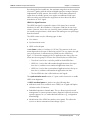
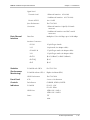
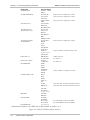
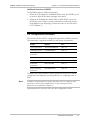
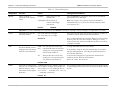
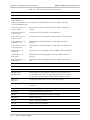
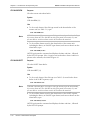
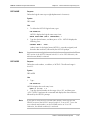
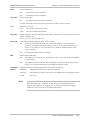
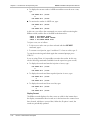
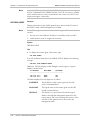
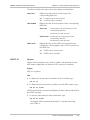
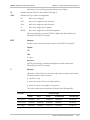
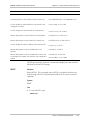
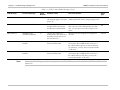
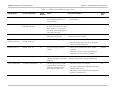
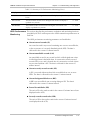
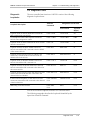
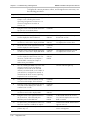
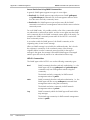
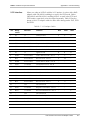
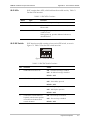
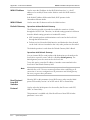
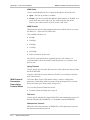
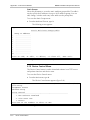
Password protection:
PWD
YES
Password protection is enabled.
NO
Password protection is disabled.
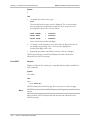
Idle disconnect time:
LOG_OFF
NO
Automatic session disconnection disabled.
10_MIN Automatic disconnection after ten minutes if HCD-E1 receives no input.
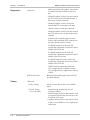
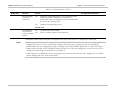
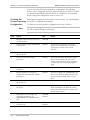
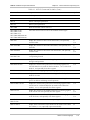
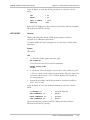
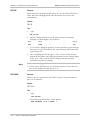
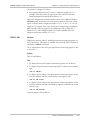
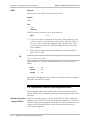
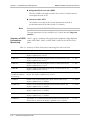
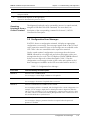
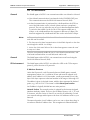
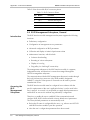
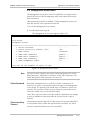
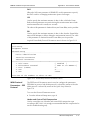
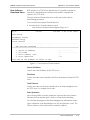
Determines CTS state:
CTS
ON
The CTS line is always ON (active).
=RTS
The CTS line follows the RTS line.
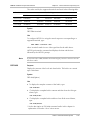
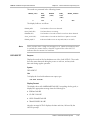
DCD_DEL
With the HCD-E1 control port defined as DTE, indicates the delay (in msec) between DCD=ON
and the sending of data.
Values: 0, 10, 50, 100, 200, 300 msec.
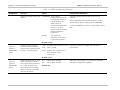
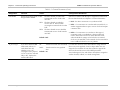
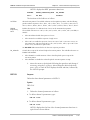
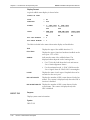
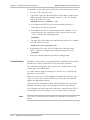
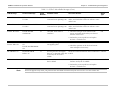
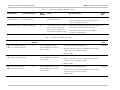
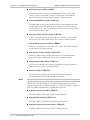
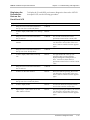
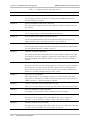
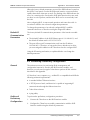
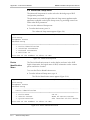
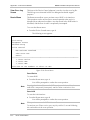
POP_ALM
Controls the automatic display of alarms on the terminal:
YES
The terminal automatically displays the alarm status whenever an ON-type alarm
appears or an ON/OFF-type alarm changes its state to ON (for the term definition, see
Section 5.2 in Chapter 5). If no such event occurs, HCD-E1 displays the alarm status
every 10 minutes.
NO
The automatic display feature is disabled.
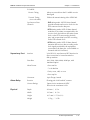
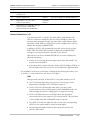
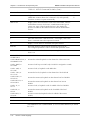
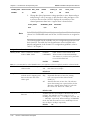
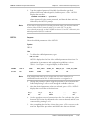
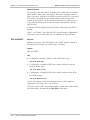
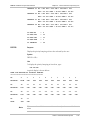
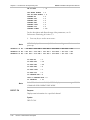
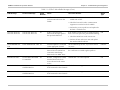
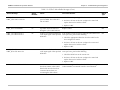
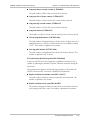
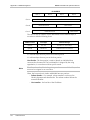
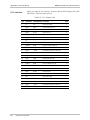
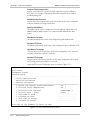
Determines the DSR state:
DSR
ON
The DSR line is continuously ON. It will switch to OFF for five seconds after the DTR line
is switched OFF.
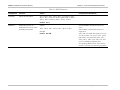
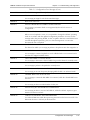
DTR
The DSR line tracks the DTR line. When INTERFACE=DTE, the DSR line will switch to
ON for five seconds when the RI line is ON while the DTR line is OFF.
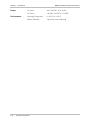
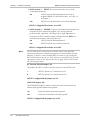
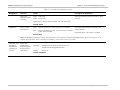
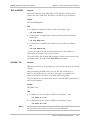
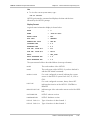
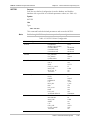
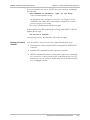
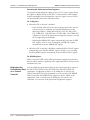
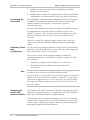
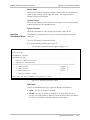
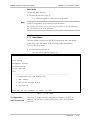
Selects the management mode supported by the HCD-E1 control port:
AUXILIARY
DEVICE
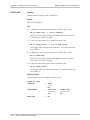
TERMINAL
Management by means of a supervision terminal.
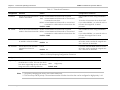
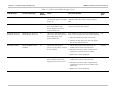
NMS-SLIP
Management by means of Telnet host or an SNMP network management station.
NONE
Not in use
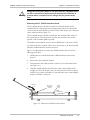
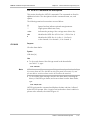
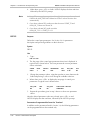
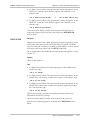
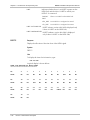
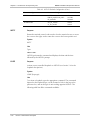
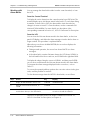
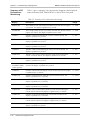
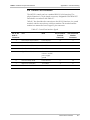
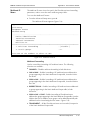
Note
11/01/00 19:23
In order for HCD-E1 to use the selected parameters, verify that Section 3 DEF SP and Section 2 - DB INIT of Switch S1 (see “Setting the Internal
Jumpers and Switches” in Chapter 2) is in the OFF state (factory setting).
Otherwise, HCD-E1 will use the default parameters.
HCD-E1 Command Set Description
4-27