1
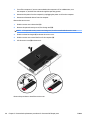
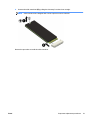
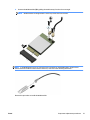
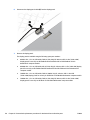
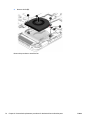
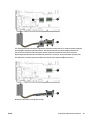
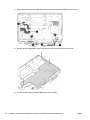
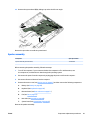
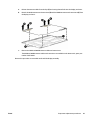
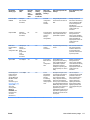
Reverse this procedure to reassemble and install the display assembly.
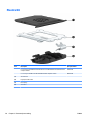
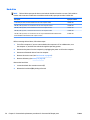
RTC battery
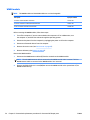
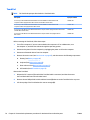
Description
Spare part number
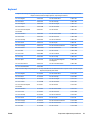
RTC battery (includes cable and double-sided adhesive)
665733-001
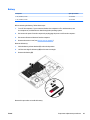
Before removing the RTC battery, follow these steps:
1.
Turn off the computer. If you are unsure whether the computer is off or in Hibernation, turn
the computer on, and then shut it down through the operating system.
2.
Disconnect the power from the computer by unplugging the power cord from the computer.
3.
Disconnect all external devices from the computer.
4.
Remove the service cover (see Service cover on page 47).
5.
Remove the battery (see Battery on page 49.
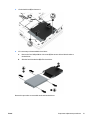
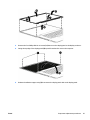
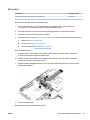
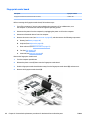
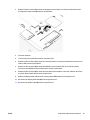
Remove the RTC battery:
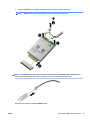
1.
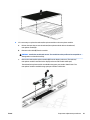
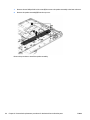
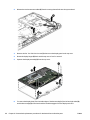
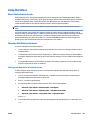
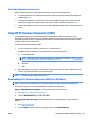
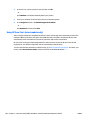
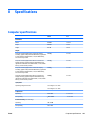
Disconnect the RTC battery cable (1) from the system board.
2.
Slide the battery out from the bottom cover (2), and then remove the battery (3). (The RTC battery is
attached to the base enclosure with double-sided adhesive.)
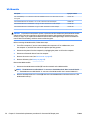
3.
Remove the RTC battery.
Reverse this procedure to install the RTC battery.
70
Chapter 6 Removal and replacement procedures for Authorized Service Provider parts
ENWW