1
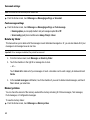
My phone’s visibility
1.
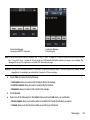
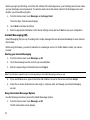
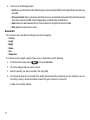
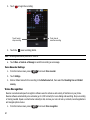
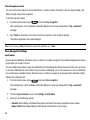
From the Home screen, open the Widget bar then touch the Bluetooth widget.
2.
Touch Settings.
3.
Touch On or Off from the My phone’s visibility field.
4.
Touch Save.
Secure mode
When Bluetooth visibility is turned on, your phone is wirelessly transmitting its phone name and status. This
transmission can pose a security risk and incite unauthorized connection to your phone. It is recommended that you
activate your phone’s Bluetooth security.
1.
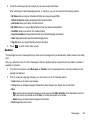
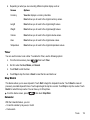
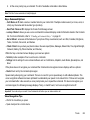
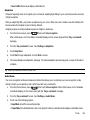
From the Home screen, open the Widget bar then touch the Bluetooth widget.
2.
Touch Settings.
3.
Touch On or Off from the Secure mode field.
4.
Touch Save.
Remote SIM mode
This mode allows you to turn on or off Remote SIM Mode. Remote SIM mode, when set to On, allows the Bluetooth
phone car kit to access the contact information stored on the SIM card.
1.
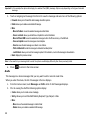
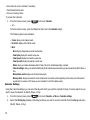
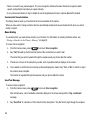
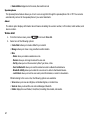
From the Home screen, open the Widget bar then touch the Bluetooth widget.
2.
Touch Settings.
3.
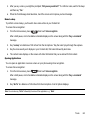
Touch On or Off from the Remote SIM mode field.
4.
Touch Save.
Bluetooth
112