1
Bluetooth services
Bluetooth specification is actually a protocol that describes how the short-range wireless technology works, whereas
services describe the individual devices that are supported. These services reduce the chance that different devices
integrate.
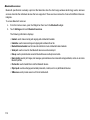
To access Bluetooth services:
1.
From the Home screen, open the Widget bar then touch the Bluetooth widget.
2.
Touch Settings and touch Bluetooth services.
The following information displays:
•
•
•
•
•
•
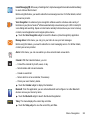
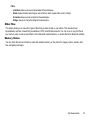
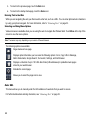
Headset: used to make incoming and outgoing calls via Bluetooth headsets.
Handsfree: used to make incoming and outgoing calls via Bluetooth car kits.
Bluetooth stereo headset: used to make calls and listen to music via Bluetooth stereo headsets.
Serial port: used to connect to other Bluetooth devices via a virtual serial port.
Dial-up: used to provide Internet access for Bluetooth devices via the phone’s modem.
Basic printing: used to print images, text messages, personal data such as namecards and appointments, and so on via remote
Bluetooth printers.
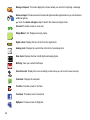
• File transfer: used to transfer files to and from Bluetooth devices.
• Object push: used to exchange personal data (namecards, contacts, and so on) with Bluetooth devices.
• SIM access: used to provide access to a S M card via Bluetooth.
113