1
USER’S MANUAL OF WNAP 3G MOBILE ROUTER
Version: 2.0
3.3.27 Management - DDNS
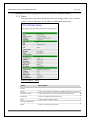
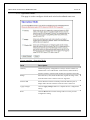
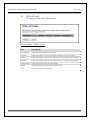
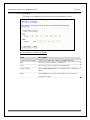
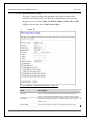
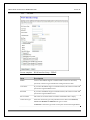
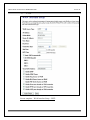
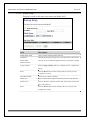
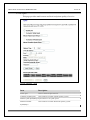
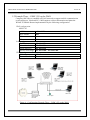
This page is used to configure Dynamic DNS service to have DNS with
dynamic IP address.
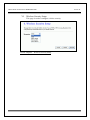
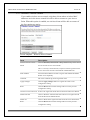
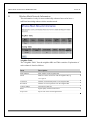
Screen snapshot – Management – DDNS
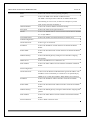
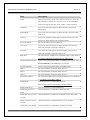
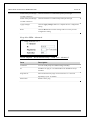
Item
Description
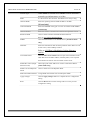
Enable DDNS
Click the checkbox to enable DDNS service. Refer to 4.25 What is
DDNS?
Service Provider
Click the drop down menu to pickup the right provider.
Domain Name
To configure the Domain Name.
User Name/Email
Configure User Name, Email.
Password/Key
Configure Password, Key.
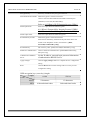
Apply Change
Click the Apply Changes button to save and enable DDNS service.
Reset
Click the Reset button to abort change and recover the previous
configuration setting.
66