1
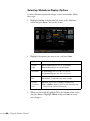
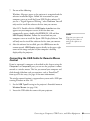
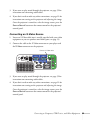
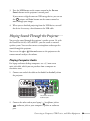
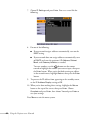
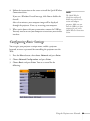
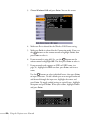
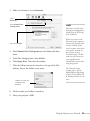
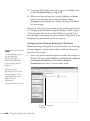
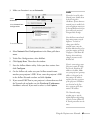
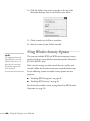
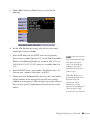
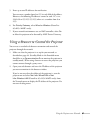
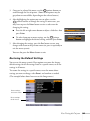
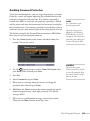
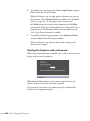
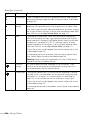
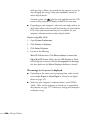
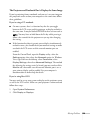
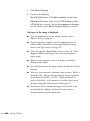
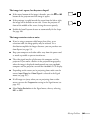
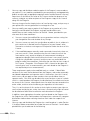
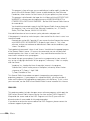
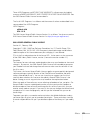
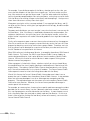
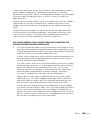
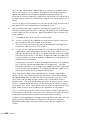
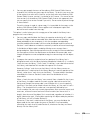
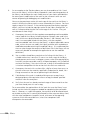
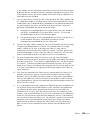
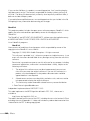
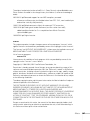
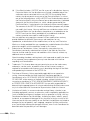
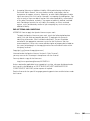
3. Choose Mail, then press Enter. You see a screen like the
following:
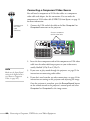
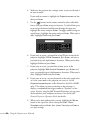
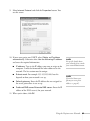
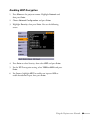
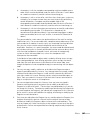
4. For the Mail Notification setting, select On to receive email
notifications, then press Enter.
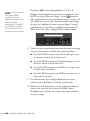
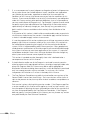
5. Enter the IP address for the SMTP server for the projector.
You can enter a number from 0 to 255 in each field of the address.
However, the following IP addresses cannot be used: 127.x.x.x,
224.0.0.0 to 255.255.255.255 (where x is a number from 0 to
255).
6. Enter the SMTP server’s port number. The default value is 25.
You can enter a numeric value from 1 to 65535.
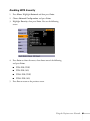
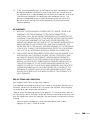
7. Choose one of the Address fields, then enter the e-mail address
and the contents of the message that you will receive when a
problem or warning occurs. You can register up to three addresses.
You can enter up to 32 alphanumeric characters for the e-mail
address.
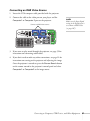
note
If a critical problem develops
with a projector which
causes it to suddenly stop
working, it may not be
possible for the projector to
send a message.
If Standby Mode is set to
Communication On in the
Extended menu, the
projector can still be
monitored even if the
projector is in standby mode
(when the power is off).
Using the Projector on a Network 95