1
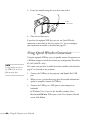
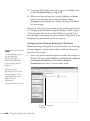
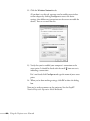
5. Enter up to two IP addresses for notification.
You can enter a number from 0 to 255 in each field of the address.
However, the following IP addresses cannot be used: 127.x.x.x,
224.0.0.0 to 255.255.255.255 (where x is a number from 0 to
255).
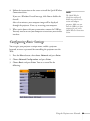
6. For Priority Gateway, select Wired or Wireless (PowerLite
85+/825+/826W+ only).
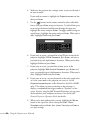
7. If your network environment uses an AMX controller, select On
to allow the projector to be detected by AMX Device Discovery.
Using a Browser to Control the Projector
You can use a standard web browser to monitor and control the
projector through the network.
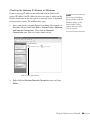
1. Make sure that the projector is set up for your network, as
described on page 64. (Standby Mode in the Extended menu
should be set to Communication On to monitor the projector in
standby mode.) When using a browser to access the projector, you
cannot connect through a proxy server.
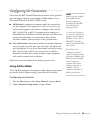
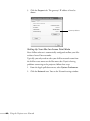
2. Open your web browser and enter the IP address of the projector
you want to monitor in the browser window.
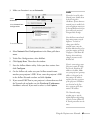
If you’re not sure what the address of the projector is, turn the
projector on and select Net. Info.-Wired LAN or Net.
Info.-Wireless LAN (PowerLite 85+/825+/826W+ only) from
the Network menu to display the IP address of the projector. Do
not enter leading zeroes.
Using the Projector on a Network 97