1
11
Polling
11
Polling overview
11
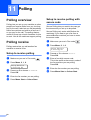
Polling lets you set up your machine so other
people can receive faxes from you, but they
pay for the call. It also lets you call somebody
else’s fax machine and receive a fax from it,
so you pay for the call. The polling feature
needs to be set up on both machines for this
to work. Not all fax machines support polling.
Polling receive
b
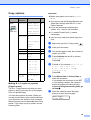
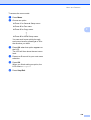
Press Menu, 2, 1, 6.
Setup Receive
6.Polling RX
c
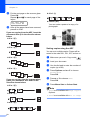
Press a or b to choose Standard.
Press OK.
d
e
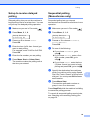
Enter the fax number you are polling.
62
Press Mono Start or Colour Start.
Secure Polling only works with Brother fax
machines. If you want to get a fax from a
secured Brother machine you have to enter
the secure code.
a
Make sure you are in Fax mode
b
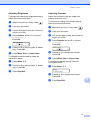
Press Menu, 2, 1, 6.
.
Setup Receive
6.Polling RX
Setup to receive polling
Make sure you are in Fax mode
Secure Polling lets you restrict who can get
the documents you set up to be polled.
11
Polling receive lets you call another fax
machine to receive a fax.
a
Setup to receive polling with
secure code
11
.
c
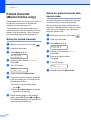
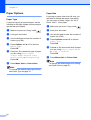
Press a or b to choose Secure.
Press OK.
d
Enter a four-digit secure code.
This is the same as the security code of
the fax machine you are polling.
Press OK.
e
f
Enter the fax number you are polling.
Press Mono Start or Colour Start.
11