1
Maintenance and servicing
11.1 Installing and removing hardware components
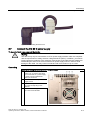
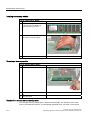
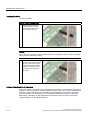
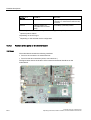
Replacing the battery
Procedure:
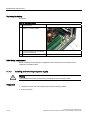
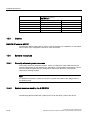
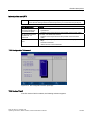
How to replace the battery
1
Open the device
2
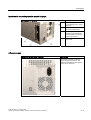
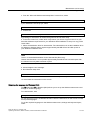
Disconnect the plug (1) and take the
battery (2) out of the retainer.
3
Mount a new battery into the retainer
and reconnect the plug.
4
Close the device.
BIOS Setup readjustment
When a battery is exchanged the configuration data of the device is lost and must be
reentered in the BIOS setup.
11.1.7
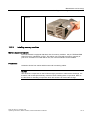
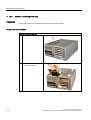
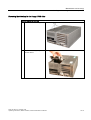
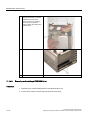
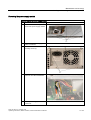
Installing and removing the power supply
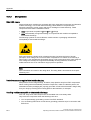
Warning
Only qualified personnel is authorized to exchange the power supply module.
Preparation
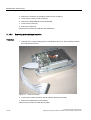
1. Isolate the device from mains and disconnect all connecting cables.
2. Open the device.
11-14
Panel PC 870 V2, Computer Unit
Operating Instructions, Edition 03/2004, CD Documentation and Drivers