1
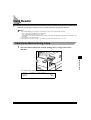
Replacing the Toner Cartridge
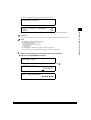
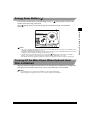
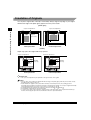
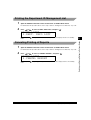
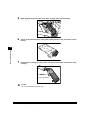
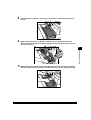
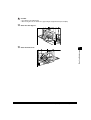
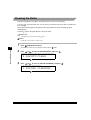
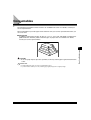
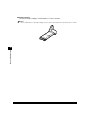
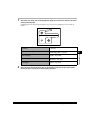
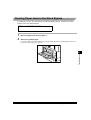
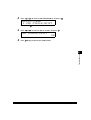
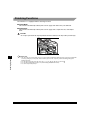
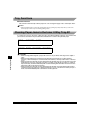
When the machine runs out of toner, the message <REPLACE TONER> appears on the display. If
you print approximately another 100 pages after this message is displayed, messages <REPLACE
TONER> and <TONER EMPTY> are displayed and you cannot print until you replace the toner
cartridge.
REPLACE TONER
WARNING
• Do not throw used toner cartridges into open flames, as they may ignite the toner remaining inside the
cartridge, and result in burns or a fire.
IMPORTANT
5
Routine Maintenance
• Use only the toner cartridge recommended for use on this machine.
NOTE
• After the message <REPLACE TONER> appears, approximately 100 prints can still be made. However, since this
number may vary depending upon the original, it is recommended to replace the toner cartridge soon after the
<REPLACE TONER> message appears.
• If the toner runs out during a print job, the machine will start printing the remaining pages automatically after you
replace the toner cartridge.
1
5-10
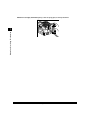
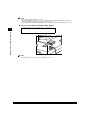
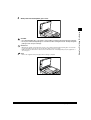
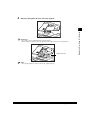
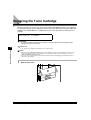
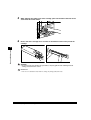
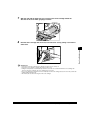
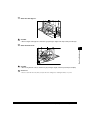
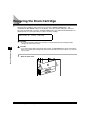
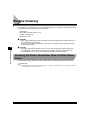
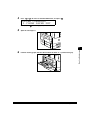
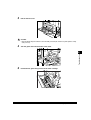
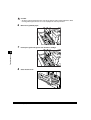
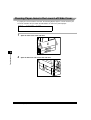
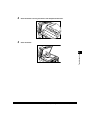
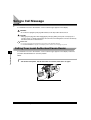
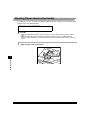
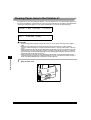
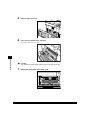
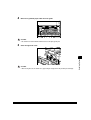
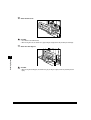
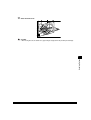
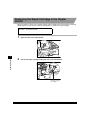
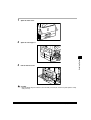
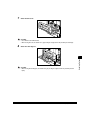
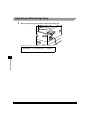
Open the front cover.
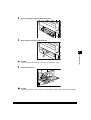
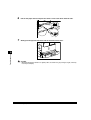
Replacing the Toner Cartridge