1
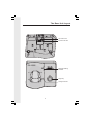
Soft Menu Functions
The GIGAPHONE has an advanced design
that uses a menu structure and soft keys
to access all of the built-in features.
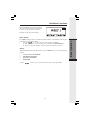
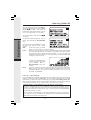
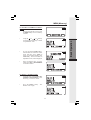
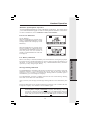
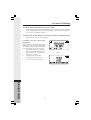
Example of the idle mode display:
Press RDL to display the last 5 telephone numbers dialed. The number on the top line
is the most recent number dialed.
•
Use the
scroll keys to select the desired the number.
•
To dial the number, you can simply press the ON or HANDSFREE key.
•
To erase (or save) the number, select this option to delete (or save) it.
MENU
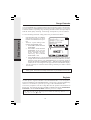
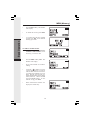
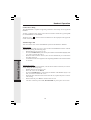
With the Handset in the idle (OFF) mode, press the MENU key to access the following
options:
•
•
•
•
CALLS LOG (CALLER ID)
HANDSET SETTINGS
RANGE EXTENDER
REGISTER
Use the
scroll keys to select the desired option, then press OK.
15
Basic Operation
RDL (Redial)