1
Working with the notebook
Memory cards
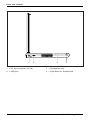
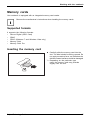
Slot
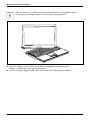
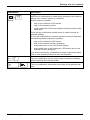
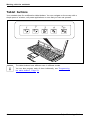
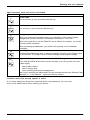
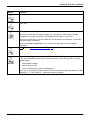
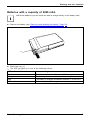
Your notebook is equipped with an integrated memory card reader.
Observe the manufacturer’s instructions when handling the memory cards.
Memory card
Supported formats
It supports the following formats:
•
•
•
•
•
Secure Digital (SDTM Card)
SDHC
SDXC (Windows 7 and Windows Vista only)
Memory Stick
Memory Stick Pro
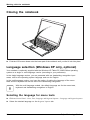
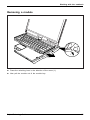
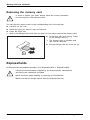
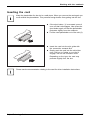
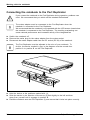
Inserting the memory card
► Carefully slide the memory card into the
slot. The label should be facing upward. Do
not apply excessive force, as otherwise the
delicate contact surfaces could be damaged.
Depending on the particular type
used, the memory card may protrude
slightly from the slot.
Memory card
Fujitsu Technology Solutions
65