1
appendix a
Configuring AMS (Mac OS X Only)
Audio MIDI Setup
Pro Tools recognizes the ports on your MIDI interface as generic ports. With Mac OS X, you
use Apple’s Audio MIDI Setup (AMS) utility to identify external MIDI devices connected to
your MIDI interface and configure your MIDI studio for use with Pro Tools.
To configure your MIDI studio in AMS:
1 Do one of the following:
• Launch Audio MIDI Setup (located in Applications/Utilities).
– or –
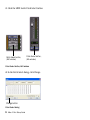
• In Pro Tools, choose Setup > MIDI > MIDI Studio.
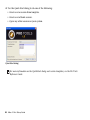
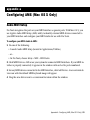
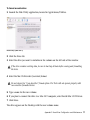
2 Click MIDI Devices. AMS scans your system for connected MIDI interfaces. If your MIDI interface is properly connected, it appears in the window with each of its ports numbered.
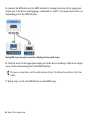
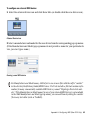
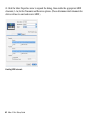
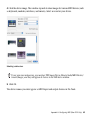
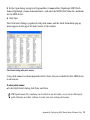
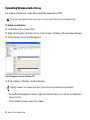
3 For any MIDI devices connected to the MIDI interface, click Add Device. A new external device icon with the default MIDI keyboard image will appear.
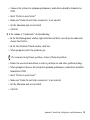
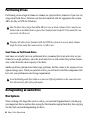
4 Drag the new device icon to a convenient location within the window.
Appendix A: Configuring AMS (Mac OS X Only) 59