1
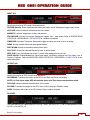
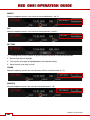
TOE Y
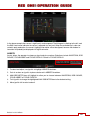
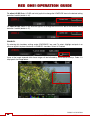
Adjust the location of a control point along the Y-axis on the tonal response curve. Label will change
based on DEFINE selection. Default setting is 25.
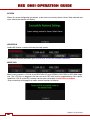
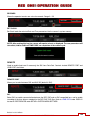
FLUT
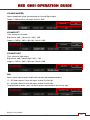
FLUT (Floating Point Lookup Table) adjusts mid-range tones up or down from -4.0 to +4.0. Default setting
is 0.0.
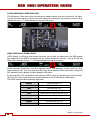
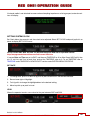
VIEWFINDER MENU
This menu permits the operator to adjust operation of the viewfinder (RED EVF and BOMB EVF).
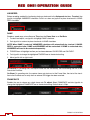
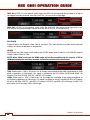
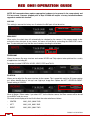
FALSE COLOR (PREVIOUSLY COLOR)
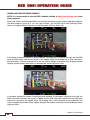
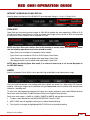
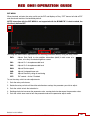
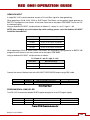
When checked, forces the RED EVF and RED LCD outputs to one of three false color modes.
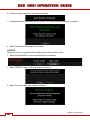
1. To select and adjust, use joystick to highlight FALSE COLOR checkbox.
2. Push in or down on joystick to place checkmark in FALSE COLOR checkbox.
3. FALSE COLOR box will highlight to allow you to choose between EXPOSURE, FOCUS or VIDEO. Default is EXPOSURE.
4. Twist joystick to change the highlighted FALSE COLOR box to the desired setting.
5. Move joystick right to select and exit.
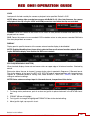
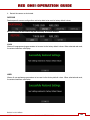
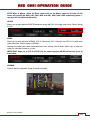
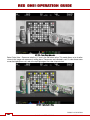
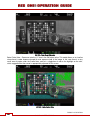
EXPOSURE
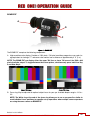
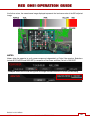
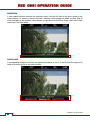
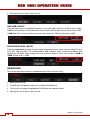
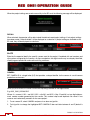
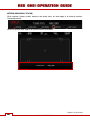
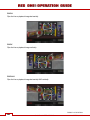
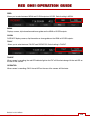
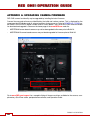
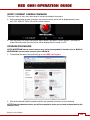
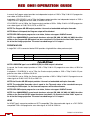
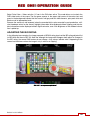
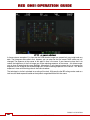
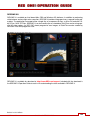
EXPOSURE displays a 2-color overlay that allows you to check minimum and maximum exposure levels
of the RAW sensor data, and hence prevent underexposed or overexposed images. When selected, the
icon “√ E” will be displayed at the top of the screen.
Build 31 v31.6.16 Beta
56
© 2007-2011 RED.COM INC.
JUNE 22, 2011