1
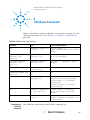
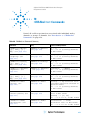
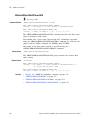
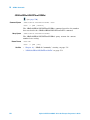
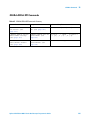
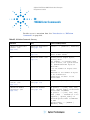
:CHANnel<n> Commands
10
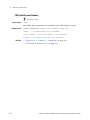
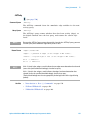
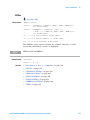
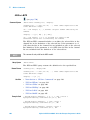
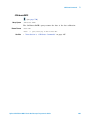
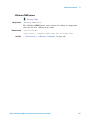
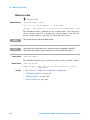
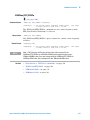
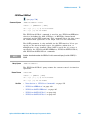
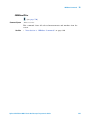
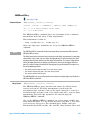
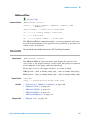
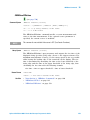
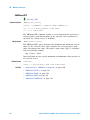
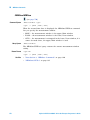
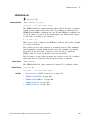
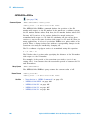
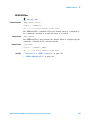
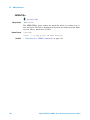
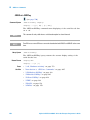
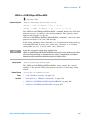
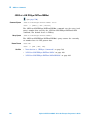
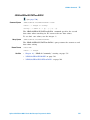
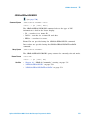
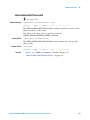
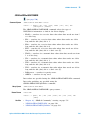
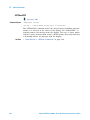
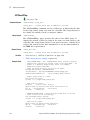
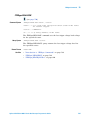
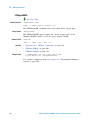
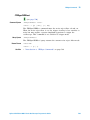
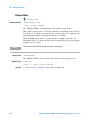
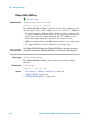
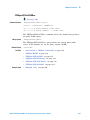
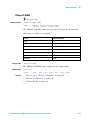
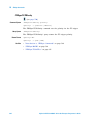
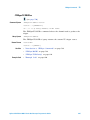
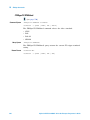
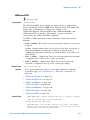
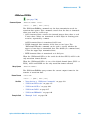
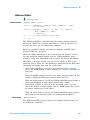
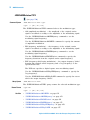
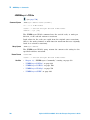
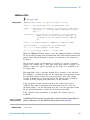
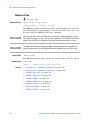
:CHANnel<n>:LABel
(see page 790)
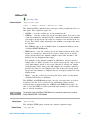
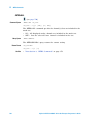
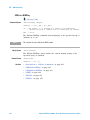
Command Syntax
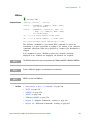
:CHANnel<n>:LABel <string>
<string> ::= quoted ASCII string
<n> ::= 1 to (# analog channels) in NR1 format
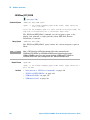
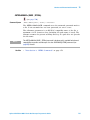
NOTE
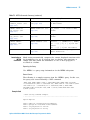
Label strings are 10 characters or less, and may contain any commonly used ASCII
characters. Labels with more than 10 characters are truncated to 10 characters. Lower case
characters are converted to upper case.
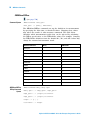
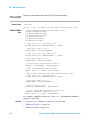
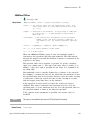
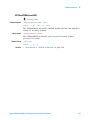
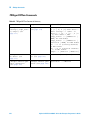
The :CHANnel<n>:LABel command sets the analog channel label to the
string that follows. Setting a label for a channel also adds the name to the
label list in non- volatile memory (replacing the oldest label in the list).
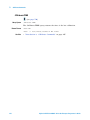
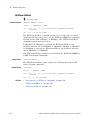
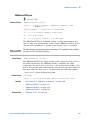
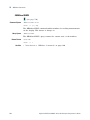
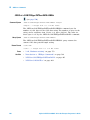
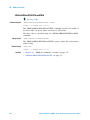
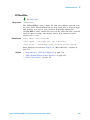
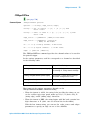
Query Syntax
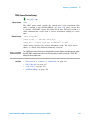
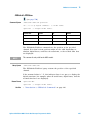
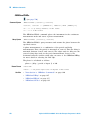
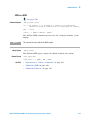
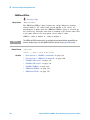
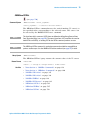
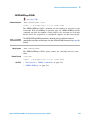
:CHANnel<n>:LABel?
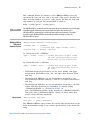
The :CHANnel<n>:LABel? query returns the label associated with a
particular analog channel.
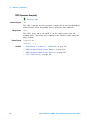
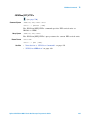
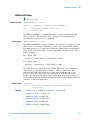
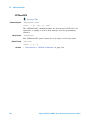
Return Format
<string><NL>
<string> ::= quoted ASCII string
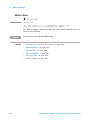
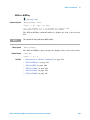
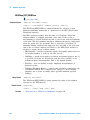
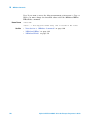
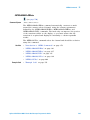
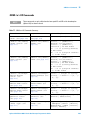
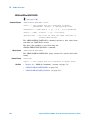
See Also
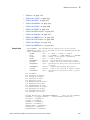
• "Introduction to :CHANnel<n> Commands" on page 218
• ":DISPlay:LABel" on page 259
• ":DIGital<d>:LABel" on page 246
• ":DISPlay:LABList" on page 260
• ":BUS<n>:LABel" on page 204
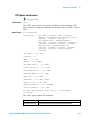
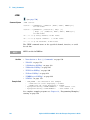
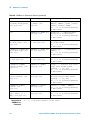
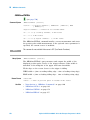
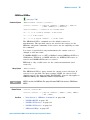
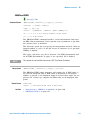
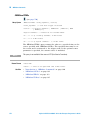
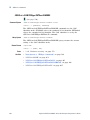
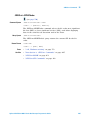
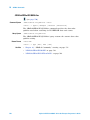
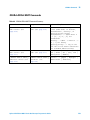
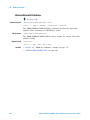
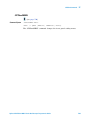
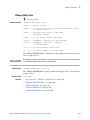
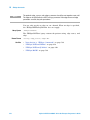
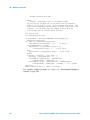
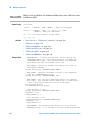
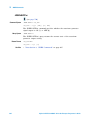
Example Code
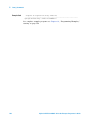
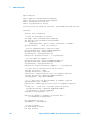
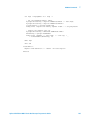
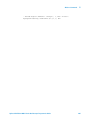
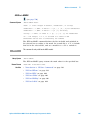
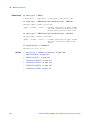
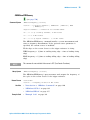
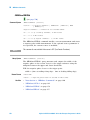
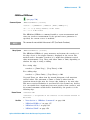
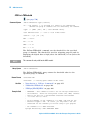
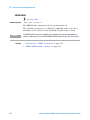
' LABEL - This command allows you to write a name (10 characters
' maximum) next to the channel number. It is not necessary, but
' can be useful for organizing the display.
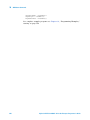
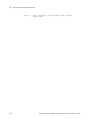
myScope.WriteString ":CHANnel1:LABel ""CAL 1""" ' Label ch1 "CAL 1".
myScope.WriteString ":CHANnel2:LABel ""CAL2"""
' Label ch1 "CAL2".
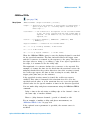
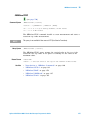
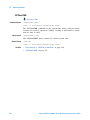
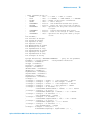
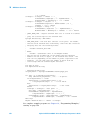
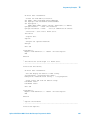
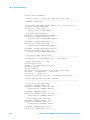
See complete example programs at: Chapter 38, “Programming Examples,”
starting on page 799
Agilent InfiniiVision 2000 X-Series Oscilloscopes Programmer's Guide
225