1
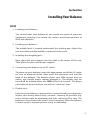
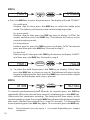
STEP 1.
0.00
MODE
TARE
POWER
SPAn
Hold down the TARE key and then press the MODE key. Release both keys, the
display will read “SPAn”.
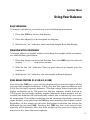
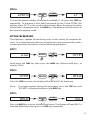
STEP 2.
SPAn
MODE
TARE
POWER
CUS7On
Press the TARE key repeatedly until the display reads “CUSTOn” for the
customization menu.
Note:
To escape anytime during this procedure, press the TARE key until
“ESCAPE” is displayed and press the MODE key.
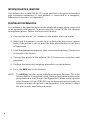
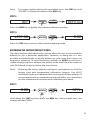
STEP 3.
CUS7On
MODE
TARE
POWER
SPEEd
Press the MODE key to enter the customization menu and the display will
read “SPEEd” for the balance’s response rate setting.
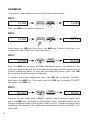
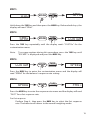
STEP 4.
SPEEd
MODE
TARE
POWER
FAS7
Press the MODE key to enter the response rate menu and the display will read
“FAST” for a fast response rate.
For fast response
Perform Step 4., then press the MODE key to select the fast response
rate. The balance will return to the normal weighing mode.
15