1
iPod™
9.
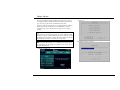
:Note: iPod Source Deactivation/Activation
iPod™
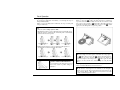
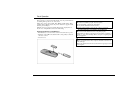
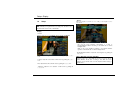
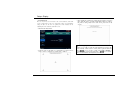
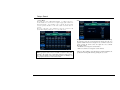
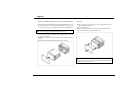
When this product is connected to an external device, the iPod source is
automatically deactivated. To activate the iPod source, disconnect the
external device, connect the iPod device.
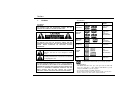
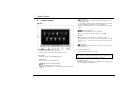
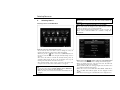
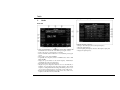
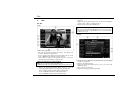
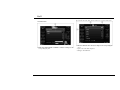
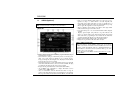
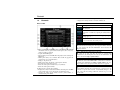
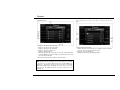
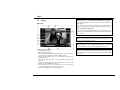
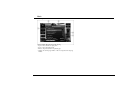
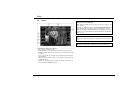
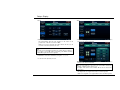
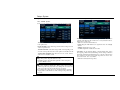
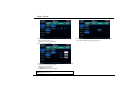
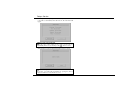
iPod Video GUI
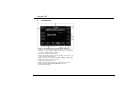
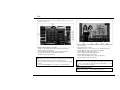
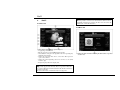
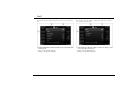
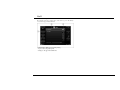
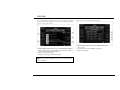
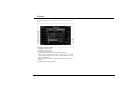
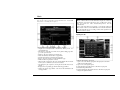
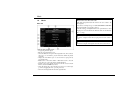
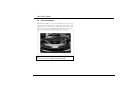
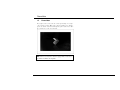
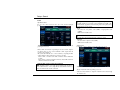
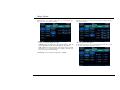
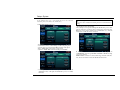
iPod Music GUI
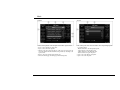
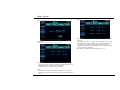
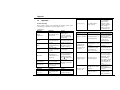
Starts playing a video/MP3 file or pauses to play it.
Stops playing a video/MP3 file.
Plays the previous or next video/MP3 file in the playlist.
Selects Random or Repeat for the playback mode. Or it repeatedly plays
all the files in the playlist.
Displays the video file, iPod owner’s, or list name. When pressed, it
opens or closes the list.
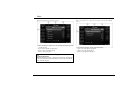
Displays the current playback position. You can move to the desired
location to play.
Displays the played time and total play time.
Displays the music information including the album jacket, song, artist,
and album title.
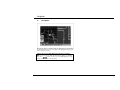
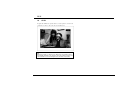
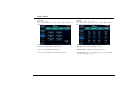
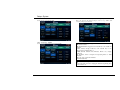
:Note: Controllable iPod
This product supports music and video files for 3rd generation iPod Nano,
6th generation iPod Classic, and iPod Touch models. The iPod Touch does
not support video files.
In case of other models, some functions may not be supported.
- 21 -