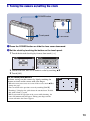
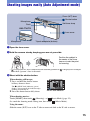
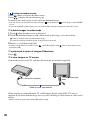
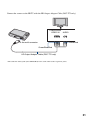
1
Using the menu items
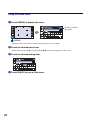
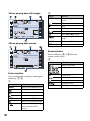
1 Touch [MENU] to display the menu.
Touch [?] to hide
this guide.
[MENU]
• Different items will become visible depending on the selected mode.
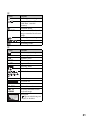
2 Touch the desired menu item.
• If the desired item is hidden, keep touching v/V until the item appears on the screen.
3 Touch the desired setting item.
4 Touch [BACK] to turn off the menu.
24