1
VoIP/(802.11g) ADSL2+ (VPN) Firewall Router
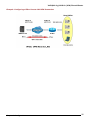
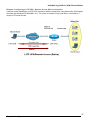
Configuring Packet Filter:
1.
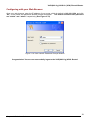
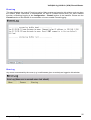
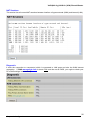
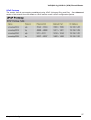
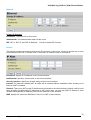
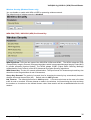
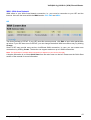
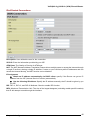
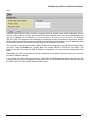
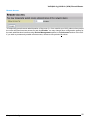
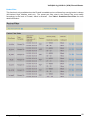
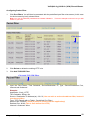
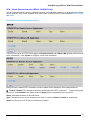
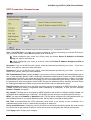
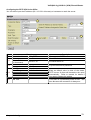
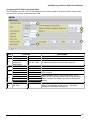
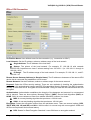
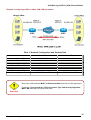
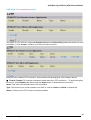
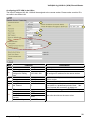
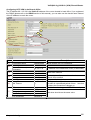
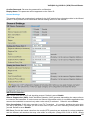
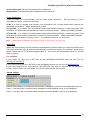
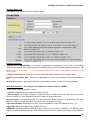
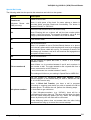
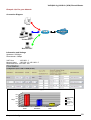
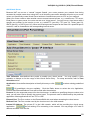
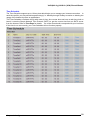
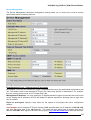
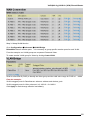
Click Port Filters. You will then be presented with the predefined port filter rules screen (in this case
for the low security level), shown below:
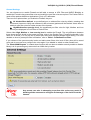
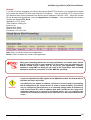
Note: You may click Edit the predefined rule instead of Delete it.
a filter on your own.
This is an example to show to how you add
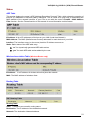
Click Delete
2.
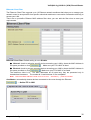
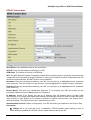
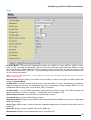
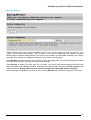
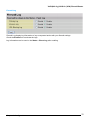
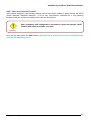
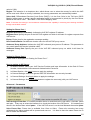
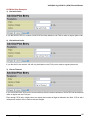
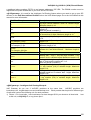
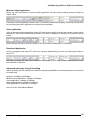
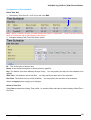
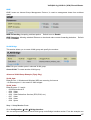
Click Delete to delete the existing HTTP rule.
3.
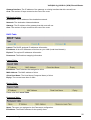
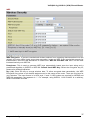
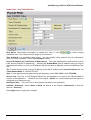
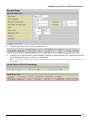
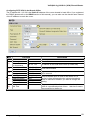
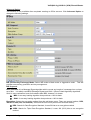
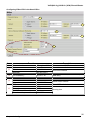
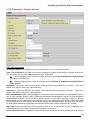
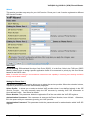
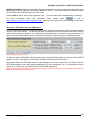
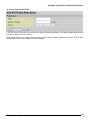
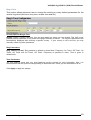
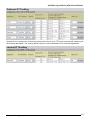
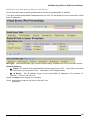
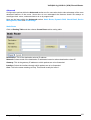
Click Add TCP/UDP Filter.
Click Add TCP/UDP Filter
4.
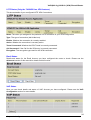
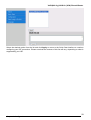
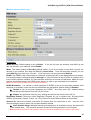
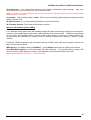
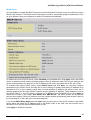
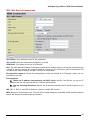
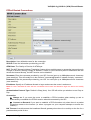
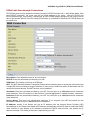
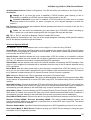
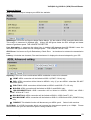
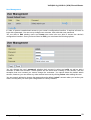
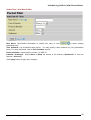
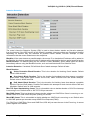
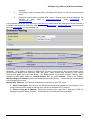
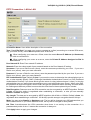
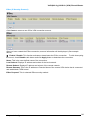
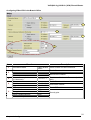
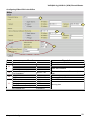
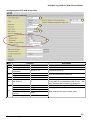
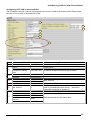
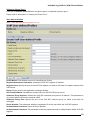
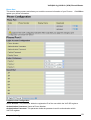
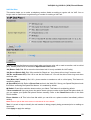
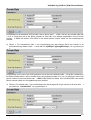
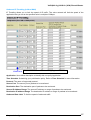
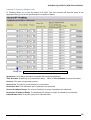
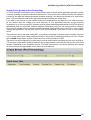
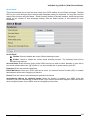
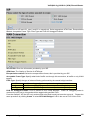
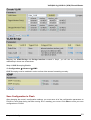
Input the Rule Name, Time Schedule, Source/Destination IP, Type, Source/Destination Port,
Inbound and Outbound.
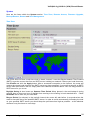
Example:
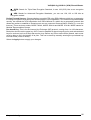
Application: Cindy_HTTP
Time Schedule: Always On
Source / Destination IP Address(es): 0.0.0.0 (I do not wish to active the address-filter, instead I
use the port-filter)
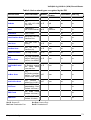
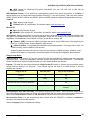
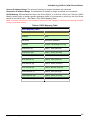
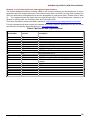
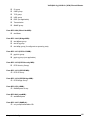
Type: TCP (Please refer to Table1: Predefined Port Filter)
Source Port: 0-65535 (I allow all ports to connect with the application))
Redirect Port: 80-80 (This is Port defined for HTTP)
Inbound / Outbound: Allow
Chapter 4: Configuration
68