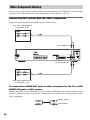
1
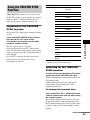
SPEAKER FORMATION
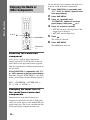
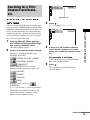
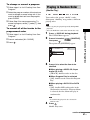
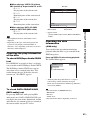
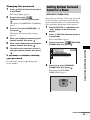
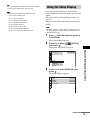
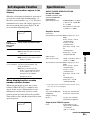
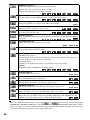
Continue with AUTO CALIBRATION?
YES
NO
Calibrating the
Appropriate Settings
Automatically
(AUTO CALIBRATION)
Note
• In order to enjoy the surround sound after you change
the position of the speakers, it is recommended you
set [SPEAKER FORMATION], and then set [AUTO
CALIBRATION].
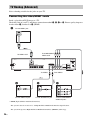
• To set [AUTO CALIBRATION], you need to
connect the supplied calibration mic.
• The front panel display indicates the selected
[SPEAKER FORMATION]. It does not indicate the
speakers which output sound.
• When you change the [SIZE] setting in [SPEAKER
SETUP], the [SPEAKER FORMATION] setting
returns to [STANDARD].
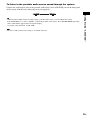
D. C. A. C. (Digital Cinema Auto Calibration)
can set the appropriate surround sound
automatically.
Note
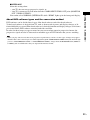
• Loud test sound is output when [AUTO
CALIBRATION] starts. You cannot turn the volume
down. Give consideration to children and neighbor.
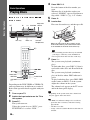
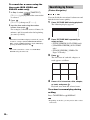
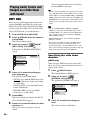
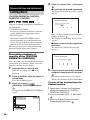
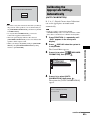
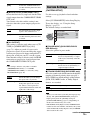
1
2
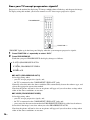
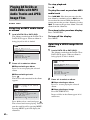
Press FUNCTION +/– repeatedly until
“DVD” appears in the front panel
display.
Press
DISPLAY when the system is
in stop mode.
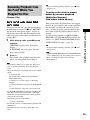
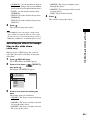
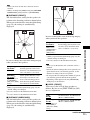
3
Press X/x to select
FORMATION], then press
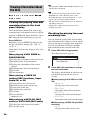
1(44)
3(28)
T
0:03:04
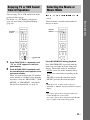
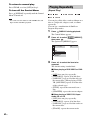
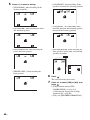
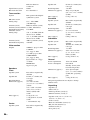
SPEAKER FORMATION
SPEAKER FORMATION
AUTO CALIBRATION
4
[SPEAKER
.
DVD VIDEO
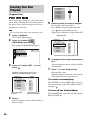
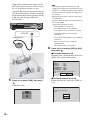
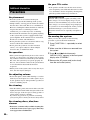
Press X/x to select [AUTO
CALIBRATION], then press
.
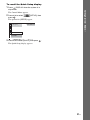
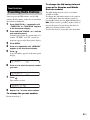
The options for [AUTO CALIBRATION]
appear.
Advanced Settings and Adjustments
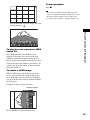
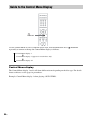
The Control Menu appears.
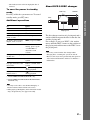
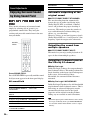
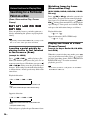
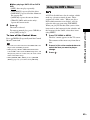
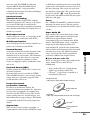
AUTO CALIBRATION
Connect calibration mic. Start
measurement?
YES
NO
continued
69US