1
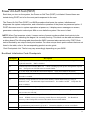
Entering Setup
Power on the computer and the system will start POST (Power On Self Test) process.
When the message of “Press DEL to enter SETUP” appears on the screen, press the key
of [Delete] to enter the setup menu.
NOTE: If the message disappears before you respond and you still wish to enter
Setup, restart the system by turning it OFF and On. You may also restart the
system by simultaneously pressing [Ctrl+ Alt+ Delete].
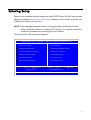
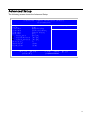
The Setup Utility main menu then appears:
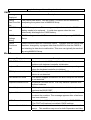
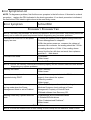
CMOS Setup Utiliyt – Copyright (c) 1985-2009,American Megatrends, Inc.
Product Information
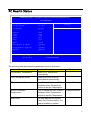
PC Health Status
Standard CMOS Features
Frequency/VoltageControl
Advance BIOS Features CMOS
BIOS Security Features
Advanced Chipset Features
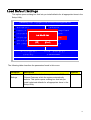
Load Default Settings
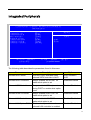
Integrated Peripherals
Save & Exit Setup
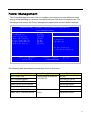
Power Management Setup
Exit Without Saving
KLIJ: Move Enter: Select
F1: General Help
+/-/: Value
F10: Save
ESC: Exit
F9: Optimized Defaults
17