1
Chapter 4
Administration
Enabling Management Protocols: NTP, SNMP, and Syslog
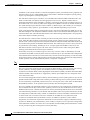
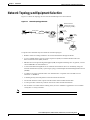
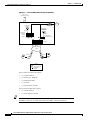
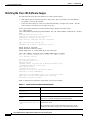
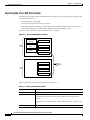
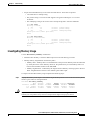
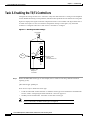
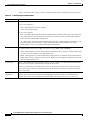
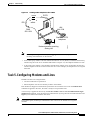
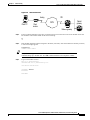
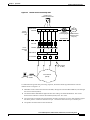
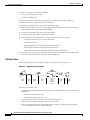
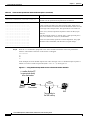
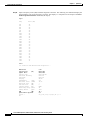
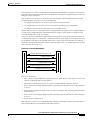
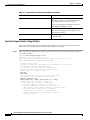
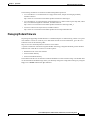
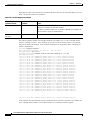
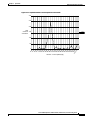
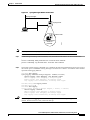
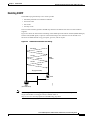
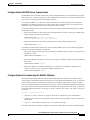
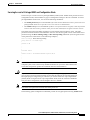
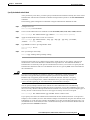
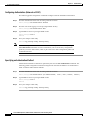
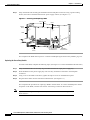
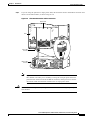
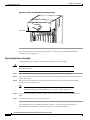
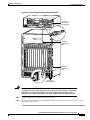
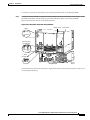
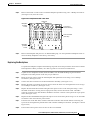
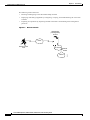
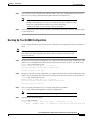
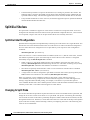
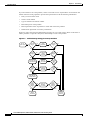
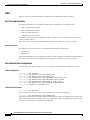
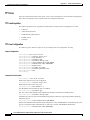
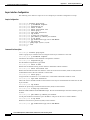
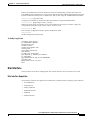
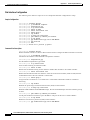
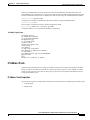
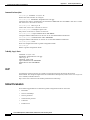
Figure 4-2
Syslog Messages Written to Hard Disk
Syslog messages
Syslog server
Cisco IOS
Syslog messages
written to
hard disk
Note
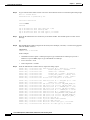
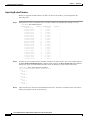
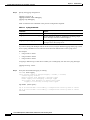
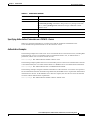
Step 1
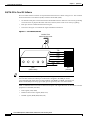
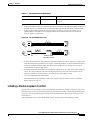
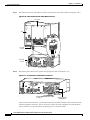
24528
Internal view
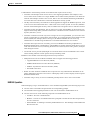
Cisco System’s UNIX syslog format is compatible with 4.3 BSD UNIX.
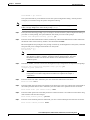
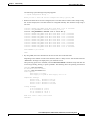
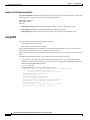
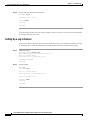
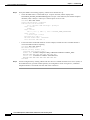
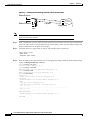
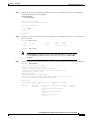
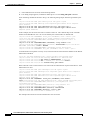
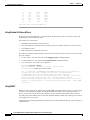
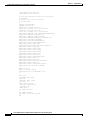
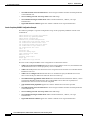
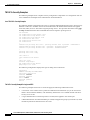
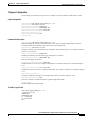
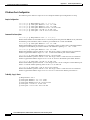
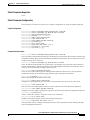
Enable debug timestamps and include date, time, and milliseconds relative to the local time zone:
!
service timestamps debug datetime msec localtime show-timezone
service timestamps log datetime msec localtime show-timezone
!
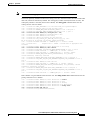
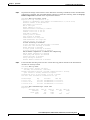
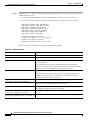
Step 2
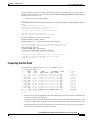
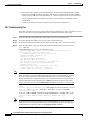
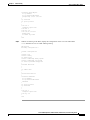
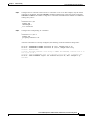
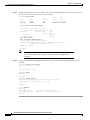
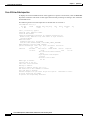
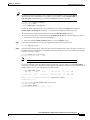
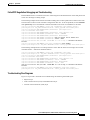
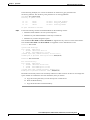
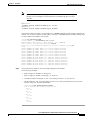
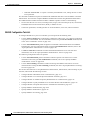
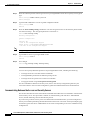
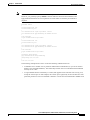
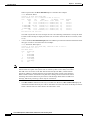
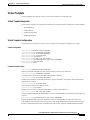
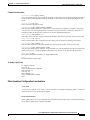
Verify that console logging is disabled. If it is enabled, the NAS will intermittently freeze up as soon as
the console port is overloaded with log messages. See the field “1 flushes.” Increments on this number
represents bad logging behavior.
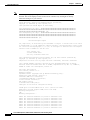
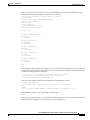
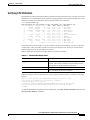
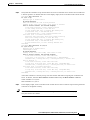
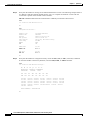
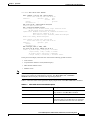
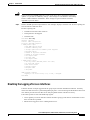
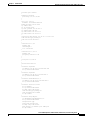
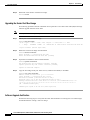
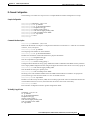
5800-NAS# show logging
Syslog logging: enabled (0 messages dropped, 1 flushes, 0 overruns)
Console logging: level debugging, 1523 messages logged
Monitor logging: level debugging, 0 messages logged
Buffer logging: level debugging, 911 messages logged
Trap logging: level informational, 44 message lines logged
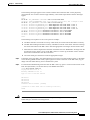
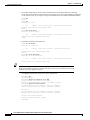
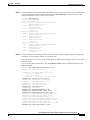
5800-NAS(config)# no logging console
5800-NAS(config)# ^Z
5800-NAS# show logging
Syslog logging: enabled (0 messages dropped, 1 flushes, 0 overruns)
Console logging: disabled
Monitor logging: level debugging, 0 messages logged
Buffer logging: level debugging, 912 messages logged
Trap logging: level informational, 45 message lines logged
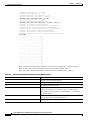
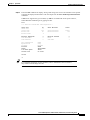
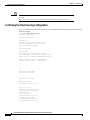
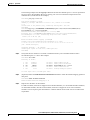
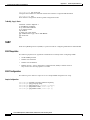
Caution
Not entering the no logging console command might cause CPU interrupts, dropped
packets, denial of service events, and router lock up.
Cisco AS5800 Operations, Administration, Maintenance, and Provisioning Guide
DOC-7810814=
4-5