1
Setting
Preferences
Settings
Settings is a collection of options that enable you to adjust your preferences.
You can adjust preset display settings such as Contrast or Backlight, change
your player’s default language and view useful information such as available
memory space.
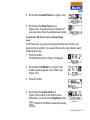
1. Press the Scroller.
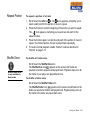
2. Scroll Select the Settings icon (Figure 3-43).
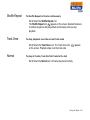
A list appears (Figure 3-44).
Figure 3-43
Figure 3-44
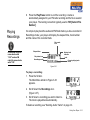
Depending on which setting you want, follow the corresponding step:
To set the contrast level for your player’s screen
1. Scroll Select the Contrast icon. The Contrast
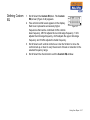
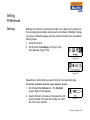
screen (Figure 3-45) appears.
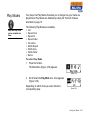
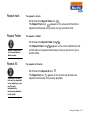
2. Use the Scroller to increase or decrease the LCD
screen contrast. The lower the number, the lower
the LCD screen contrast.
Figure 3-45
Using Your Player 3-18