1
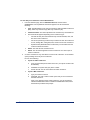
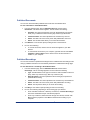
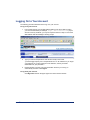
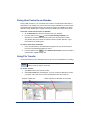
To join a conference:
1.
Do one of the following:
•
Dial in to the conference using your touch-tone telephone, and then follow the
prompts to join the audio portion of the conference.
•
Click the URL link in the e-mail invitation to have the system call you for an
audio conference or to join a Web conference.
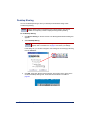
If the conference is password protected, type the password in the box, and
then click Submit.
2.
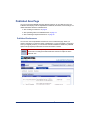
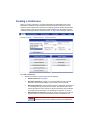
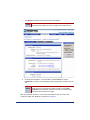
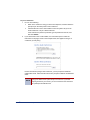
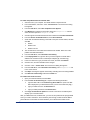
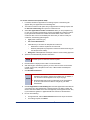
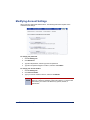
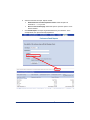
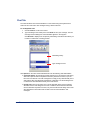
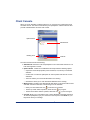
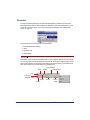
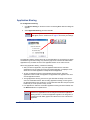
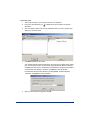
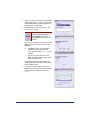
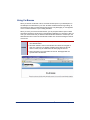
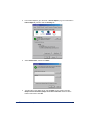
If you click the link in the e-mail invitation, the Join window opens. Follow the
instructions on the page, shown in the example below, as it applies to the type of
conference you are joining.
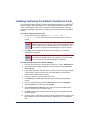
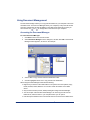
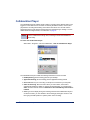
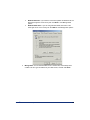
If this is the first time joining a Web conference, you are prompted to install the
Collaboration Client. Follow the instructions in the prompts to install the Collaboration
Client.
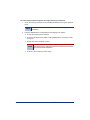
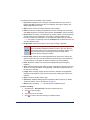
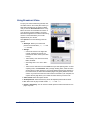
NOTE
When you are the conference host, connect to the Web conference by
typing your IAWC user ID (user name) in the Join box. If you enter
anything other than your user ID, you are connected to the conference
as a participant and not the host.
Inter-Tel® Audio and Web Conferencing User Guide
15