1
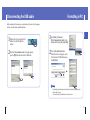
Connecting the player to your PC
Connecting the player to your PC
● Windows 2000 Service
Pack 4/XP
● Windows Media Player 9.0
or above
● Internet Explorer 6.0 or higher
● Pentium 200MHz or greater
● 50MB of available hard disk space
● CD-ROM drive
(double speed or greater)
● USB port (2.0) supported
● DirectX 8.0 or above.
Before connecting the player to PC, make sure to install
Samsung Music Studio. If “Add New Hardware Wizard”
appears, press the [Cancel] button and install Samsung
Music Studio.
ENG
❑ System Requirements.
I Installing software
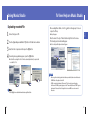
1
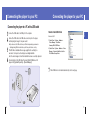
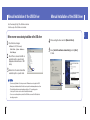
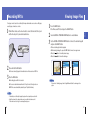
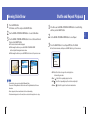
Insert the Installation CD into CD-ROM drive.
The picture shown below appears.
Select [Install Samsung Music Studio].
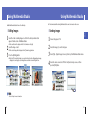
2
Follow the instructions in the window to complete the installation.
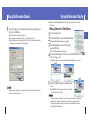
✍ Note
- Log into your PC as an administrator
(Main User) and install the supplied
software (Music/Multimedia Studio)
into using Windows 2000 or XP.
Otherwise, installation will not be
completed.
Continued...
12
13