1
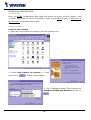
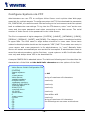
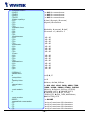
Setup a new connection
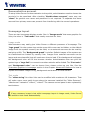
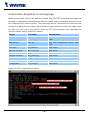
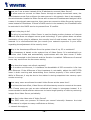
1. After the 33600 bps modem is installed, open the
dialup network folder in Windows to build a new
connection.
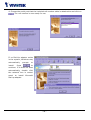
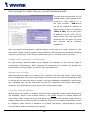
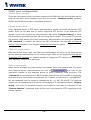
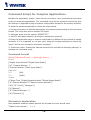
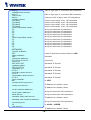
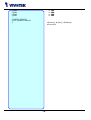
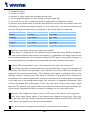
2. Select the device as the newly
installed standard 33600 bps modem
and click on
.
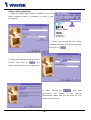
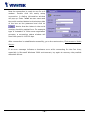
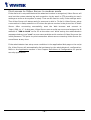
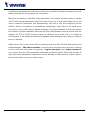
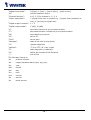
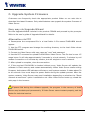
3. Just enter arbitrary digits as phone
number and click on
. The
phone number here is not important.
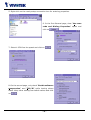
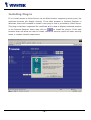
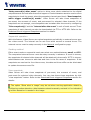
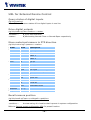
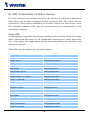
4.
After
connection
clicking
will
on
display
,
in
the
this
new
Dial-up
Networking folder and will be used for null
modem connections.
- 18 -