1
Rugged Computing
5.8 Touch Driver Installation
TouchKit is the Premier Touch software, which contains drivers of the touch panel
controllers for the specified communication connectors, RS232, PS/2 and USB, and
the other two utilities.
The two utilities are as follows:
Touch Tray support
This is utility for emulating the right and left button of mouse through
controlling touch panel. Users can toggle between right or left mouse
buttons by this utility.
Configuration support
The calibration and draw test of touch panel are done by this utility. Besides,
users can add or remove for new RS-232 or PS/2 touch panel devices.
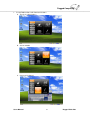
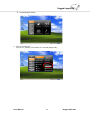
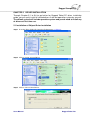
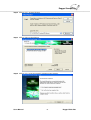
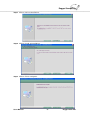
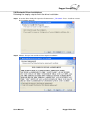
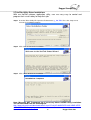
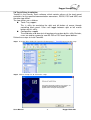
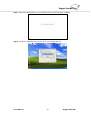
Follow these steps to install TouchKit.
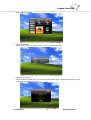
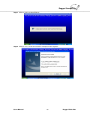
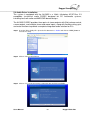
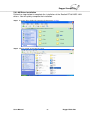
Step.1 Insert the Driver Utility CD. Open the file document “h_ TouchKit” to execute the setup.
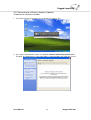
Step.2 Click on “Setup.exe” to execute the setup.
Users Manual
71
Rugged Table PCs