1
Connecting the Keyboard, Mouse, and Graphic Tablet
Connecting the Keyboard, Mouse, and Graphic Tablet
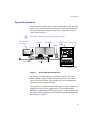
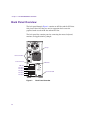
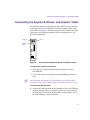
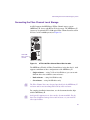
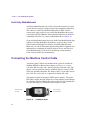
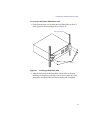
The keyboard and mouse come with attached cables for connecting them
to the back panel of your workstation. The Wacom graphic tablet comes
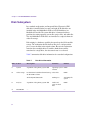
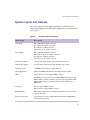
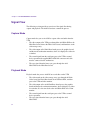
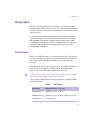
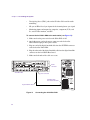
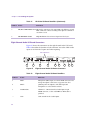
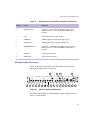
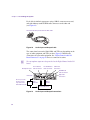
with a USB cable. Figure 9 shows the keyboard, mouse, and Wacom tablet
connections on a deskside workstation. For more information, see the
Wacom documentation.
Keyboard
Mouse
Wacom
tablet
Figure 9
Connecting the Keyboard, Mouse, and Wacom Tablet
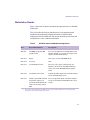
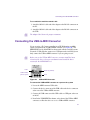
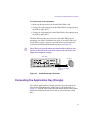
To connect the keyboard and mouse:
1. In the base unit, connect the keyboard to the top-left or bottom
mini-DIN port.
2. Connect the mouse to the top-right or top mini-DIN port in the base
unit.
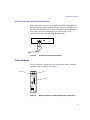
n
On a rackmount workstation, the keyboard port is on the bottom when
viewing the back of the workstation base unit and the mouse is to the top.
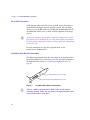
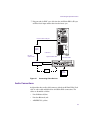
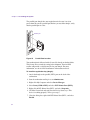
To connect the Wacom tablet:
t
Connect the USB cable from the Wacom tablet to one of the USB ports
on the back panel of the base unit (the tablet receives power through
the USB port). If needed, the Wacom tablet can also plug into one of
the front USB ports on the workstation.
41