1
DI-1162/DI-1162M Remote Access Router
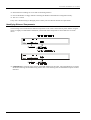
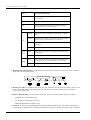
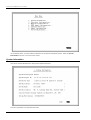
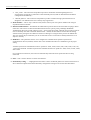
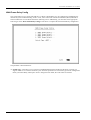
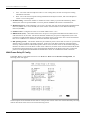
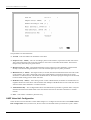
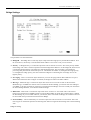
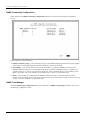
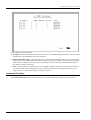
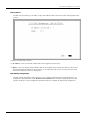
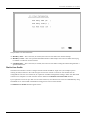
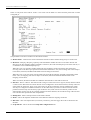
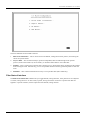
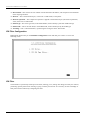
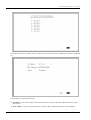
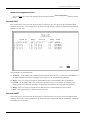
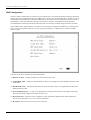
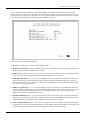
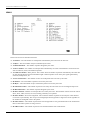
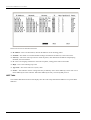
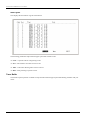
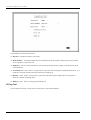
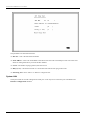
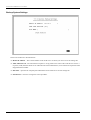
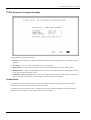
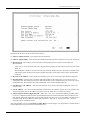
The items are described as follows:
♦ Backup State – Choose among Answer, Dial on Demand, Always Connect, or Disable.
◊ Answer Select this to accept phone calls.
◊ Dial on Demand This initiates phone calls to make a connection.
◊ Always Connect When this is selected, the primary line will never have a chance to be activated again.
◊ Disable Select this if you don’t want the backup function to be used.
♦ Backup Delay – This value (in seconds) is used when the primary interface fails. Once the Backup Delay
value is reached, the backup interface will be activated for use.
♦ Restore Delay – This value is used if and when the master interface is operational again. Once the Restore
Delay value is reached, the backup interface will be disconnected
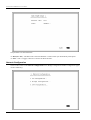
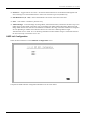
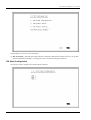
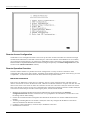
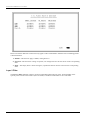
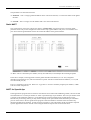
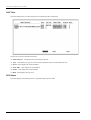
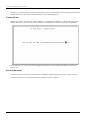
WAN 1
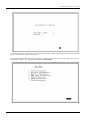
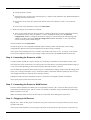
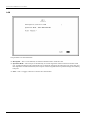
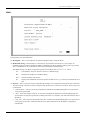
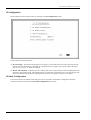
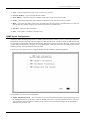
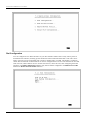
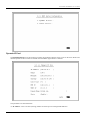
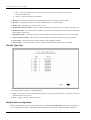
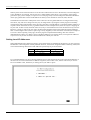
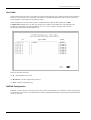
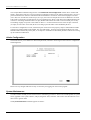
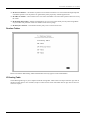
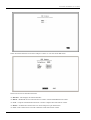
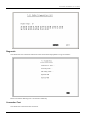
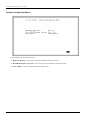
This submenu contains a number of settings (shown below) which allow you to configure the router to dial
out.
48