1
Fitting Your Document to a Selected
Paper Size
A
You can scale your print job to any paper size regardless of the
digital document size. This can be useful when you want to
check the fine details on a small document.
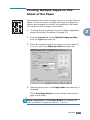
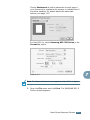
1 When you change the print settings from your software
application, access the printer’s Properties. See page 3.2.
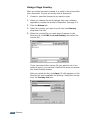
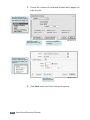
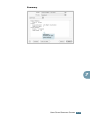
2 From the Layout tab, select Fit to Page on the Type dropdown list.
3 Select the correct size from the Target Page drop-down list.
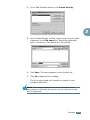
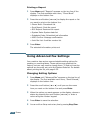
4 Click the Paper tab and select the paper source and type.
5 Click OK and print the document.
PRINTING 3.13
3