1
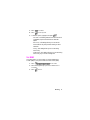
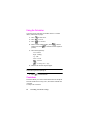
6. Press the navigation key left or right to select Ring Tones,
Melodies, or Downloaded ringers.
7. Press the navigation key down and then left or right to
select the desired Ringer.
8. Press
to Save.
Selecting a Key Tone
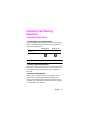
Your phone offers a number of options for selecting the audible tones
accompanying a key press. Longer tone lengths may be better for
tone recognition when dialing voicemail or other automated systems,
or you may choose from other more entertaining options.
To select a key tone:
1. Press
for Main Menu.
2. Press
for Settings.
3. Press
for Sounds.
4. Press
for Tone Length.
5. Select Short or Long using the navigation key.
6. Press
to Save.
Alert Notification
To enable or disable alert sounds:
1. Press
for Main Menu.
2. Press
for Settings.
3. Press
for Sounds.
4. Press
for Alerts.
5. Press:
v
24
for Minute Beep.
Controlling Your Phone’s Settings