1
2.5.7
AI Slot Detector
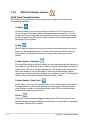
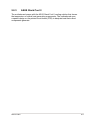
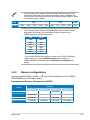
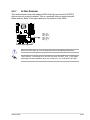
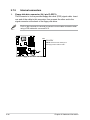
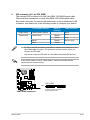
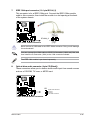
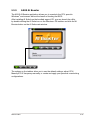
This motherboard comes with onboard LEDs that light up when the PCIE/PCI
devices are not correctly installed. This is a reminder that you should reinstall
these devices. Refer to the figure below for the location of the LEDs.
®
P5KC
DET_X16_1
DET_PCI1
DET_PCI2
DET_X16_2
DET_PCI3
DET_X1_1
P5KC Slot Detector
When the LEDs light up, turn off the power before reinstalling the devices.
The PCIEX16_1 slot (blue) is for a PCIE x16 card. The DET_X16_1 LED lights
up despite correct installation when you install a x1, x4, or x8 card to this slot.
ASUS P5KC
2-25