1
Chapter 13
Monitoring
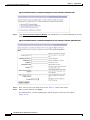
Monitoring | Statistics | MIB-II | IP
Monitoring | Statistics | MIB-II | IP
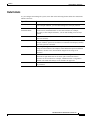
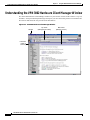
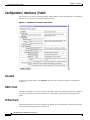
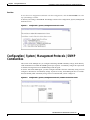
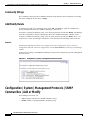
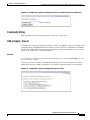
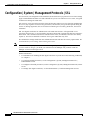
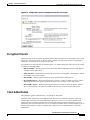
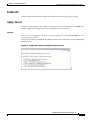
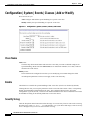
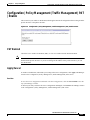
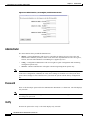
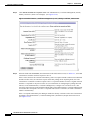
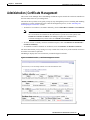
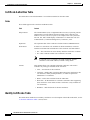
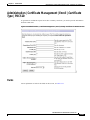
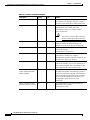
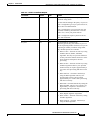
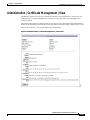
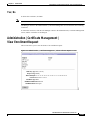
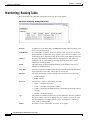
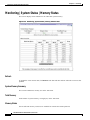
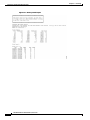
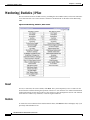
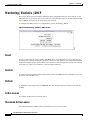
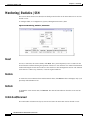
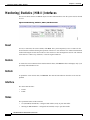
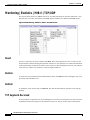
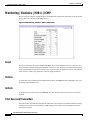
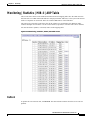
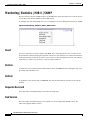
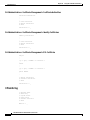
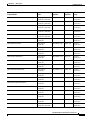
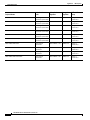
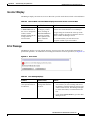
This screen shows statistics in MIB-II objects for IP traffic on the VPN 3002 since it was last booted or
reset. RFC 2011 defines IP MIB objects.
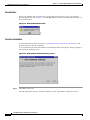
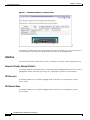
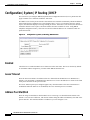
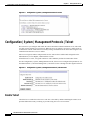
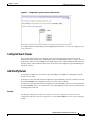
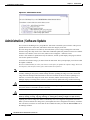
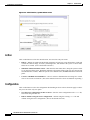
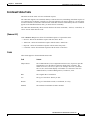
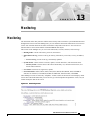
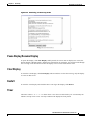
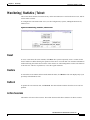
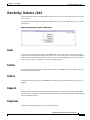
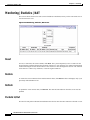
Figure 13-23 Monitoring | Statistics | MIB-II | IP Screen
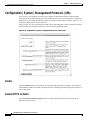
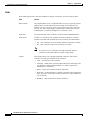
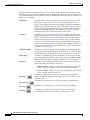
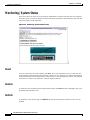
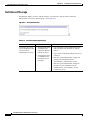
Reset
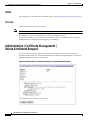
To reset, or start anew, the screen contents, click Reset. The system temporarily resets a counter for the
chosen statistics without affecting the operation of the device. You can then view statistical information
without affecting the actual current values of the counters or other management sessions. The function
is like that of a vehicle’s trip odometer, versus the regular odometer.
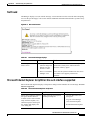
Restore
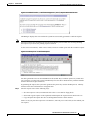
To restore the screen contents to their actual statistical values, click Restore. This icon displays only if you
previously clicked the Reset icon.
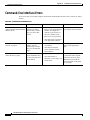
Refresh
To update the screen and its data, click Refresh. The date and time indicate when the screen was last
updated.
VPN 3002 Hardware Client Reference, Release 4.0
OL-3813-01
13-49