1
6.
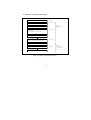
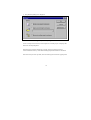
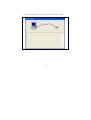
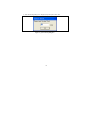
The [Welcome!] dialog box is displayed.
Figure 2 [Welcome!] Dialog Box
To use a workspace for the tutorial, select the [Browse to another project workspace] radio
button and click the [OK] button.
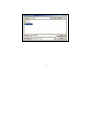
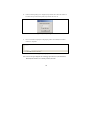
When the [Open workspace] dialog box is opened, specify the following directory:
<Hew2 installation directory>\Tools\Renesas\DebugComp\Platform\E10A\2378\Tutorial
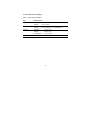
After the directory has been specified, select the following file and click the [Open] button.
5