1
Sleep Timer
Sleep Timer will automatically turn your TeraStation on and off at specific times to save energy. In Sleep mode, the
TeraStation’s hard drives, display panel, and LED lights are turned off. To use Sleep Timer, set your TeraStation’s Power
Mode Switch to MANUAL. Sleep Timer is not usable when the Power Mode Switch is set to AUTO.
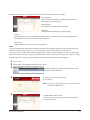
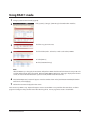
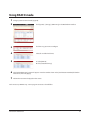
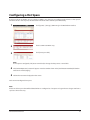
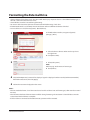
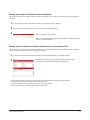
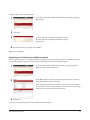
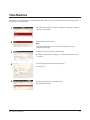
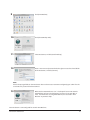
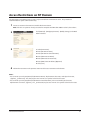
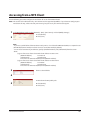
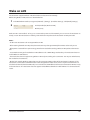
1 In the Web Admin interface, navigate to [System] - [Power Management] - [Sleep Timer].
2 Click [Modify Settings].
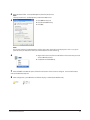
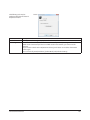
3
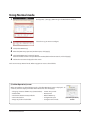
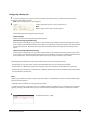
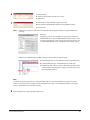
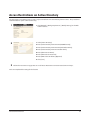
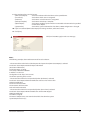
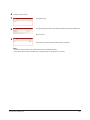
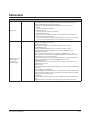
Specify [Timer Interval], [Wake up at], and [Begin Sleep at]. You can set up
to 3 timers. [Wake up at] times may be set from 0:00 to 23:45. [Begin Sleep
at] times may be set from 0:00 to 27:45. If [Begin Sleep at] is set to 24:00 or
later, then [Wake up at] can be set from 4:00 to 23:45. 24:00 is equivalent
to 0:00 of the next day, and 27:00 is equivalent to 3:00 of the next day.
[Wake up at] times should be earlier in the day than [Begin Sleep at] times.
Do not set the same time for both [Wake up at] and [Begin Sleep at].
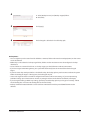
Click [Save] when done.
TeraStation User Manual
84