1
27
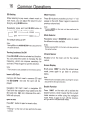
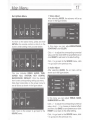
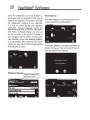
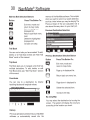
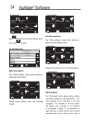
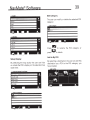
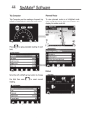
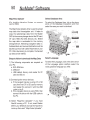
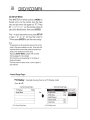
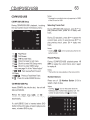
Select State or Province/City/Street List
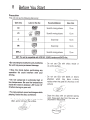
Mode Buttons
Button
Press This Button To ..
Return to map mode.
Page up in displayed list.
Return to main menu.
Page down in displayed
list.
Switch to Spell Mode.
Go back one step.
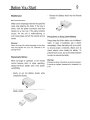
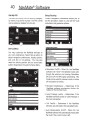
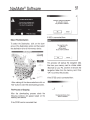
Point of Interest (POl)
The Point of Interest option is useful when you
are going to a public place or are looking for
some type of facility such as a gasoline station.
After selecting the Point of Interest option,
you must select the State/Province where the
destination is located. NOTE: The system
remembers the last State/Province selected, so
this step is not necessary every time.
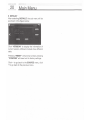
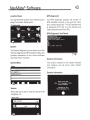
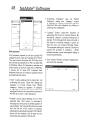
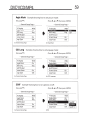
• By City- You can select the city also.
• By Phone Number - If you know the phone
number of the desired POl, select this option to
quickly find the POl. Note: The phone number
search is limited to the currently selected
country. Phone number searching may not be
available for all POl's.
(This feature is not available on all systems. It may be disabled
in order to meet 2GB limits.)
• By Zip code -If you know the zip code, select
this option to quickly find the city. Note: Zip
code search is limited to the currently selected
State/Province. Zip code searching may not be
available in all areas.
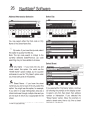
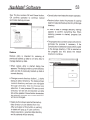
• By Name - If you know the name of the Point
of Interest for example "COLISEUM", select this
option.
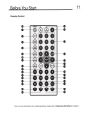
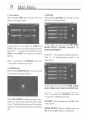
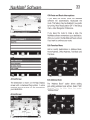
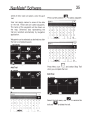
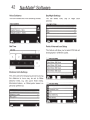
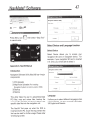
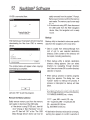
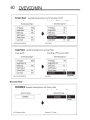
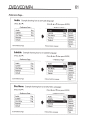
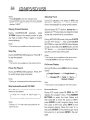
POl Category
Points of Interest may be searched by Category,
Zip code, Phone Number, or Name.
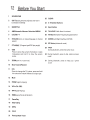
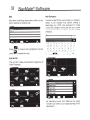
POl Search Methods
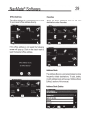
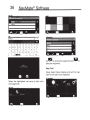
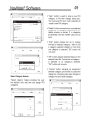
POl Name Speller
• By Category - If you are interested in the
closest POl of a certain type for example nearest
gas station, select this option.