1
MAIN FUNCTIONS
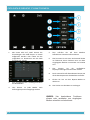
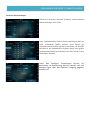
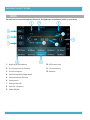
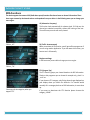
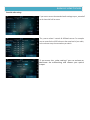
In the 3D surround settings you can change the intensity of the
surroundsound. This applications simulates a 5.1 Surround sound.
We recomment using this while watching a DVD. The standartized
setting is „high“.
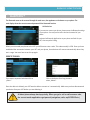
Subwoofer (optional)
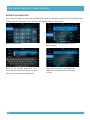
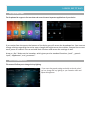
In the subwoofer settings you can choose your favourite subwoofer
settings. You can activate or deactivate it, change the phases or
choose a specific crossover frequency and bass intensity.
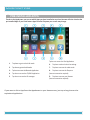
Dynamic Compensation
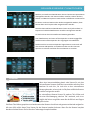
Thansk to the Dynamic Compensation you can adjust your boxes to
the subwoofer. Specific audio settings can be changed here as well.
Attention: A tap on „Default“ or „Standard“ resets the current settings
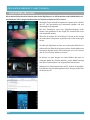
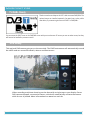
DUAL ZONE (optional)
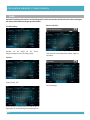
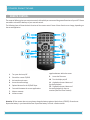
When you installed front-monitors to your VX7, you can control
the streamed content in this section.
The rear-monitors can be controlled seperately. You even can
watch a DVD on the right and DVB-T on the left. The display
controls, what happens on the back seats.
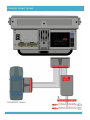
You will have to install the rear-monitors with the given „RCA/Cinch Audio Out Dualzone“ cable, to provice a full
functionality.
24