1
2
Operation and Features
Calibration
Calibration message
The power supply allows you to store one message in
calibration memory in the mainframe. For example, you can
store such information as the date when the last calibration
was performed, the date when the next calibration is due,
the power supply’s serial number, or even the name and
phone number of the person to contact for a new
calibration.
• You can record a calibration message only from the
remote interface and only when the power supply is
unsecured. You can read the message from either the
front panel or over the remote interface. You can read the
calibration message whether the power supply is secured
or unsecured.
• The calibration message may contain up to 40 characters.
From the front panel, you can view 11 characters of the
message at a time.
• Storing a calibration message will overwrite any message
previously stored in memory.
• The calibration message is stored in non- volatile memory,
and does not change when power has been turned off or
after a remote interface reset.
Front panel operation
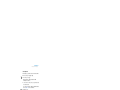
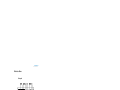
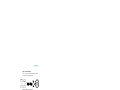
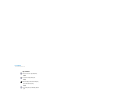
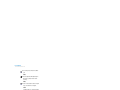
To read the calibration message from the front panel, press
View
and turn the knob until CAL STRING is displayed. Press
View
to scroll through the text of the message. Press >
to increase the scrolling speed.
View
View
CAL STRING
Remote interface operation
To store the calibration message, send the following
command.
CAL:STR ‘CAL 12-05-99’
66
E364xA User’s and Service Guide